KEYS ON THE LEFT OF THE KEYBOARD
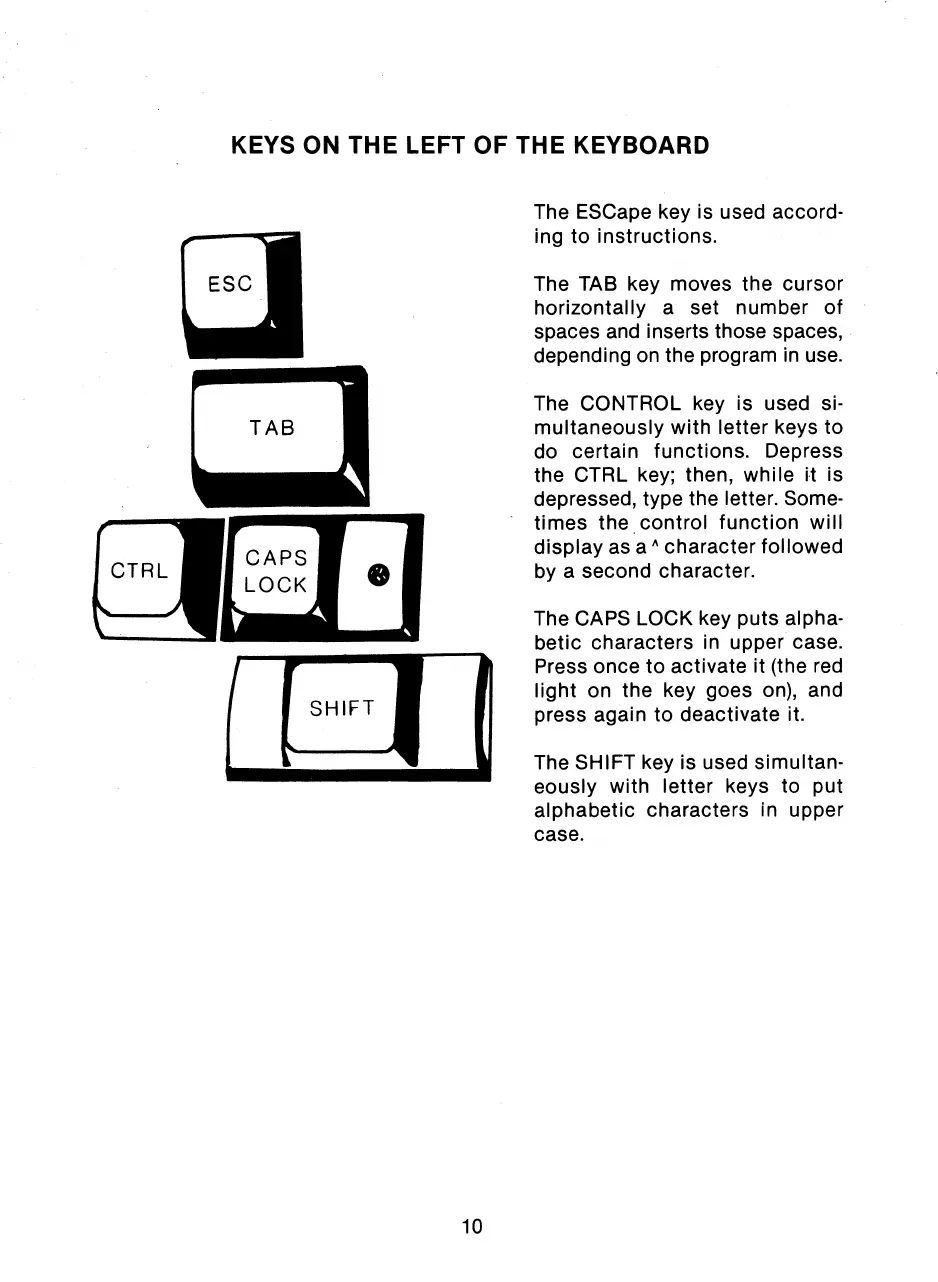
The ESCape key is used accord-
ing to instructions.
The TAB key moves the cursor
horizontally a set number of
spaces and inserts those spaces,
depending on the program in use.
The CONTROL key is used si-
multaneously with letter keys to
do certain functions. Depress
the CTRL key; then, while it is
depressed, type the letter. Some-
times the control function will
display as a ^ character followed
by a second character.
The CAPS LOCK key puts alpha-
betic characters in upper case.
Press once to activate it (the red
light on the key goes on), and
press again to deactivate it.
The SHIFT key is used simultan-
eously with letter keys to put
alphabetic characters in upper
case.
10



 To Next Page