THE CURSOR AND THE CURSOR KEYS
The cursor is a place marker to show where information can be entered. It is indi-
cated by a flashing underscore. The next character you type will appear at this
location.
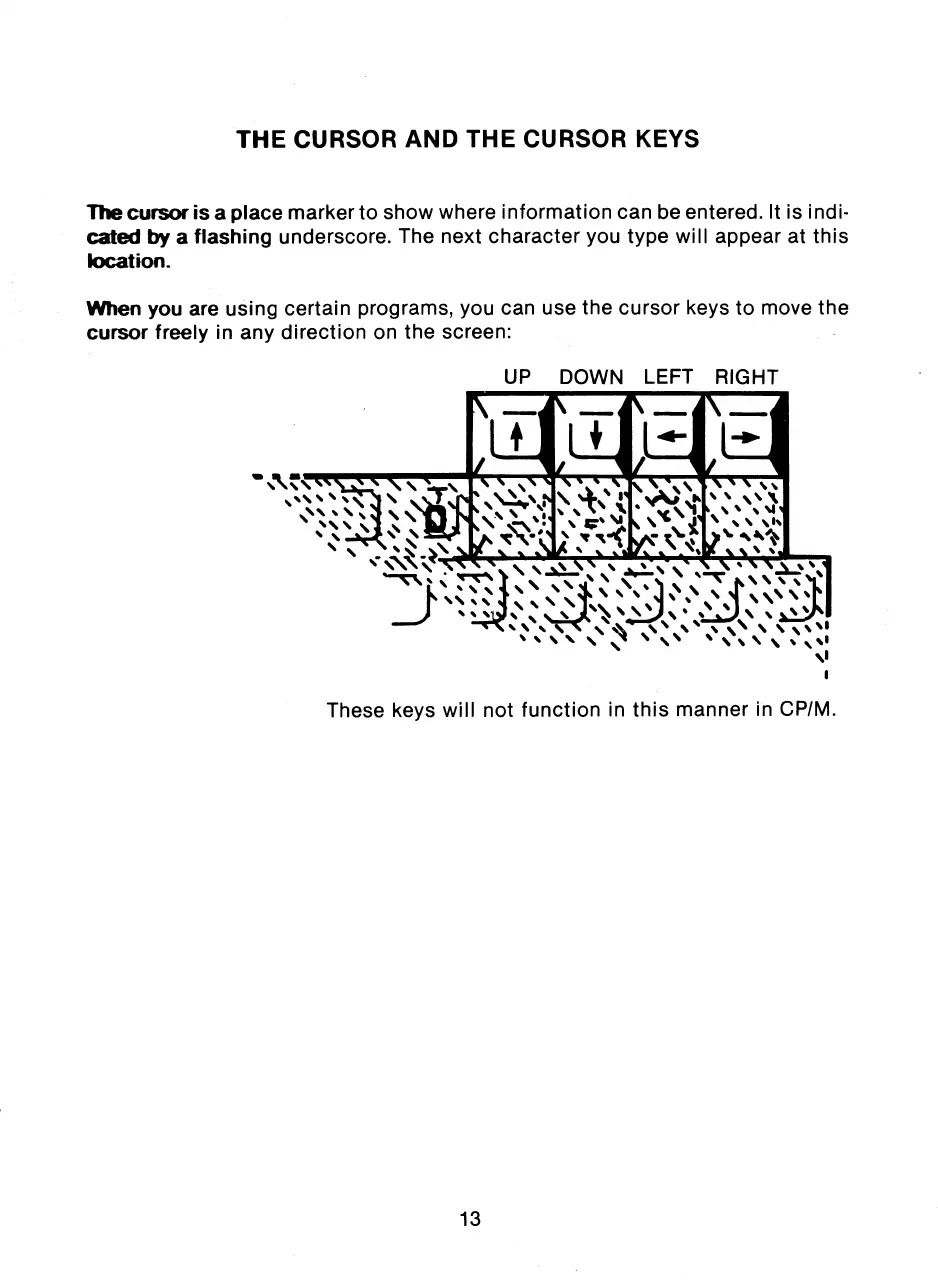
When you are using certain programs, you can use the cursor keys to move the
cursor freely in any direction on the screen:
UP DOWN LEFT RIGHT
These keys will not function in this manner in CP/M.
13



 To Next Page