NAMING FILES
Files must be named according to established practices, and the file names
must be typed correctly.
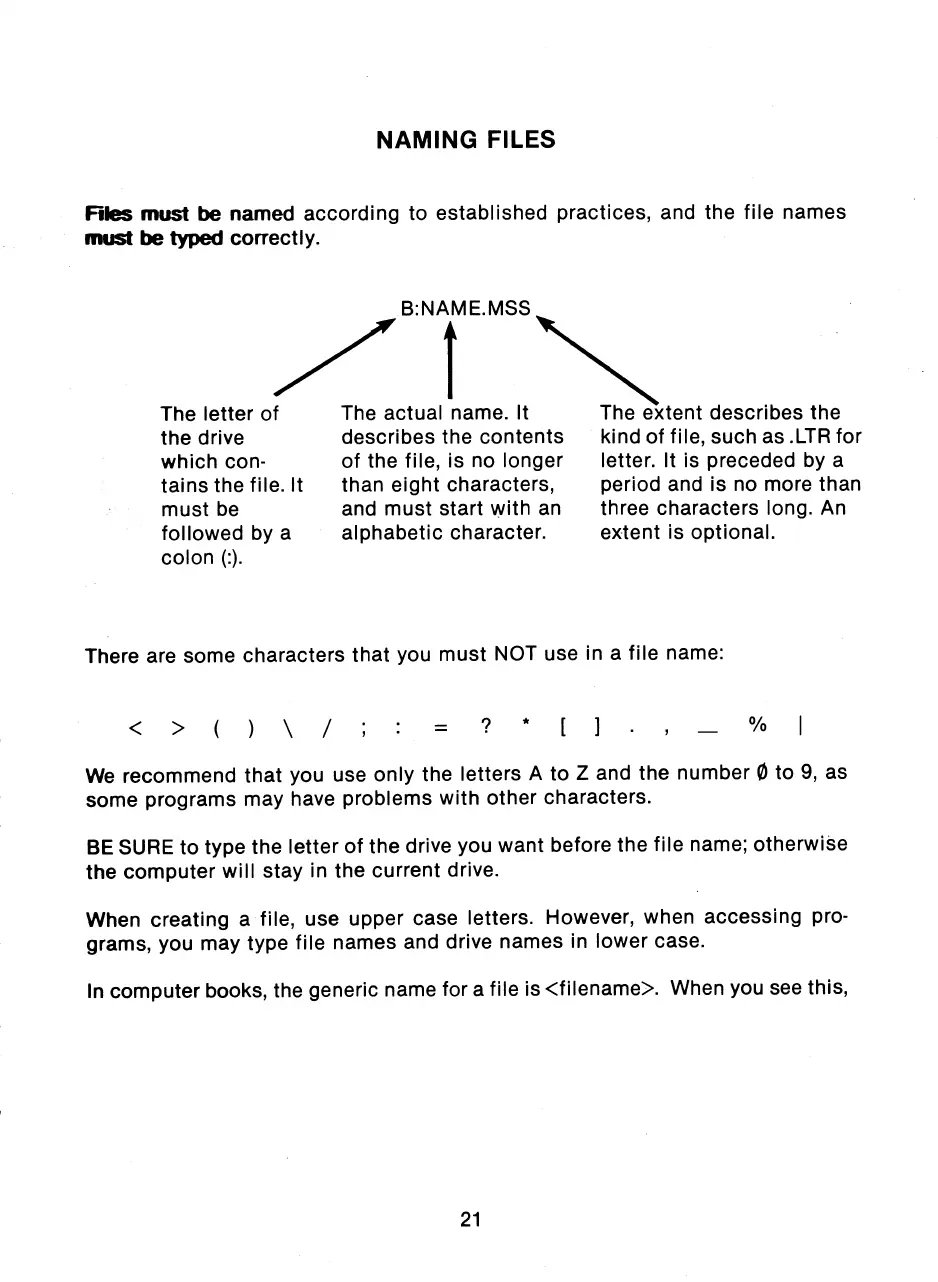
The letter of
the drive
which con-
tains the file. It
must be
followed by a
colon (:).
The actual name. It
describes the contents
of the file, is no longer
than eight characters,
and must start with an
alphabetic character.
The extent describes the
kind of file, such as .LTR for
letter. It is preceded by a
period and is no more than
three characters long. An
extent is optional.
There are some characters that you must NOT use in a file name:
We recommend that you use only the letters A to Z and the number 0 to 9, as
some programs may have problems with other characters.
BE SURE to type the letter of the drive you want before the file name; otherwise
the computer will stay in the current drive.
When creating a file, use upper case letters. However, when accessing pro-
grams, you may type file names and drive names in lower case.
In computer books, the generic name for a file is <filename>. When you see this,
21



 To Next Page