POWER: Do not put the diskettes in the drives until the power is turned ON.
Always remove the diskettes before turning OFF the power.
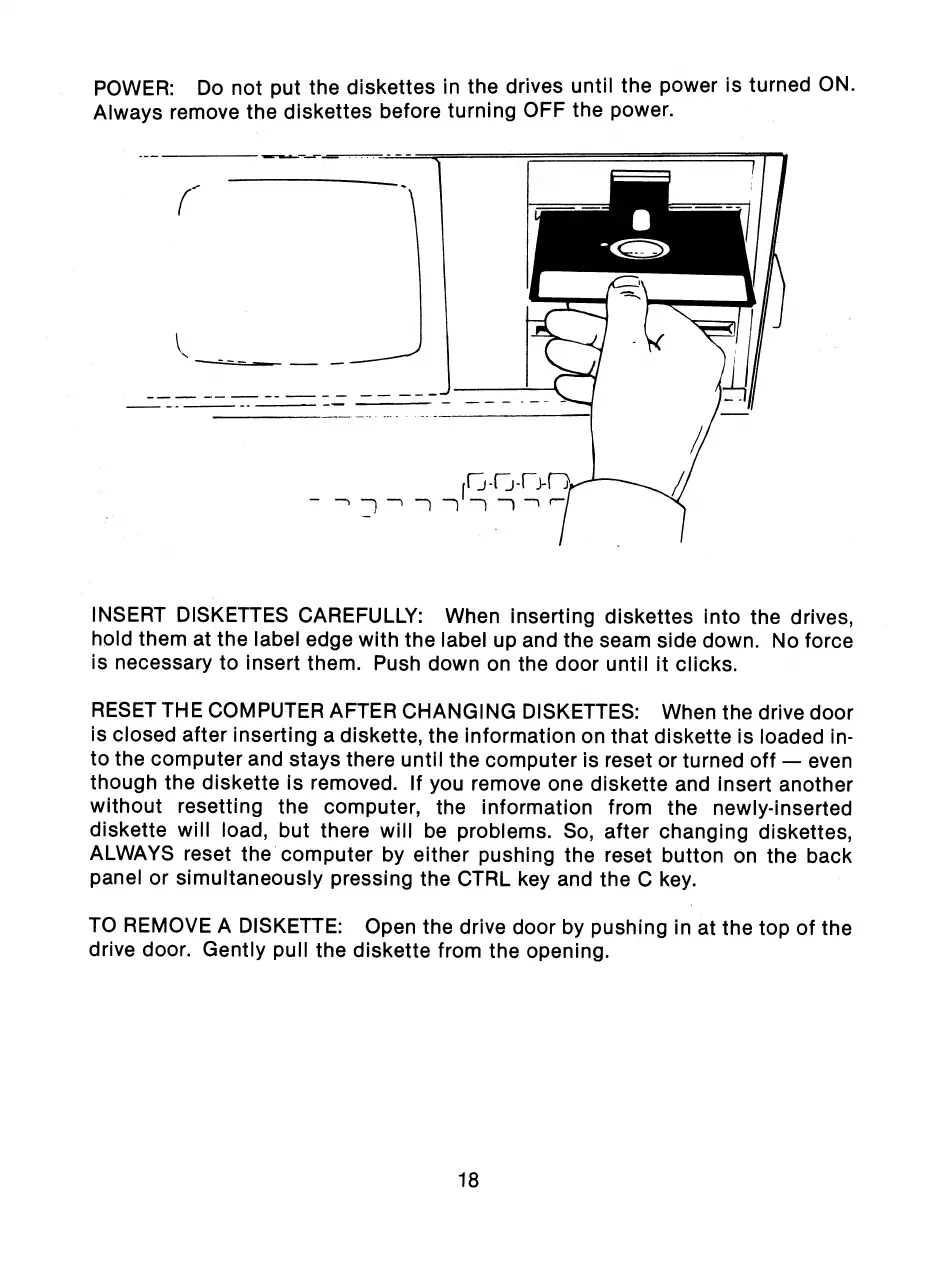
INSERT DISKETTES CAREFULLY: When inserting diskettes into the drives,
hold them at the label edge with the label up and the seam side down. No force
is necessary to insert them. Push down on the door until it clicks.
RESET THE COMPUTER AFTER CHANGING DISKETTES: When the drive door
is closed after inserting a diskette, the information on that diskette is loaded in-
to the computer and stays there until the computer is reset or turned off — even
though the diskette is removed. If you remove one diskette and insert another
without resetting the computer, the information from the newly-inserted
diskette will load, but there will be problems. So, after changing diskettes,
ALWAYS reset the computer by either pushing the reset button on the back
panel or simultaneously pressing the CTRL key and the C key.
TO REMOVE A DISKETTE: Open the drive door by pushing in at the top of the
drive door. Gently pull the diskette from the opening.
18



 To Next Page