4.
As a general rule, the working copies of program diskettes go in drive A, and
diskettes for data go in drive B.
5.
When a program diskette is put in drive A, an A> prompt will display. This is
the Console Command Program (CCP) prompt. You need to enter the infor-
mation necessary to access the program; this information can be found in
the appropriate manual for the program.
INDICATOR LIGHTS
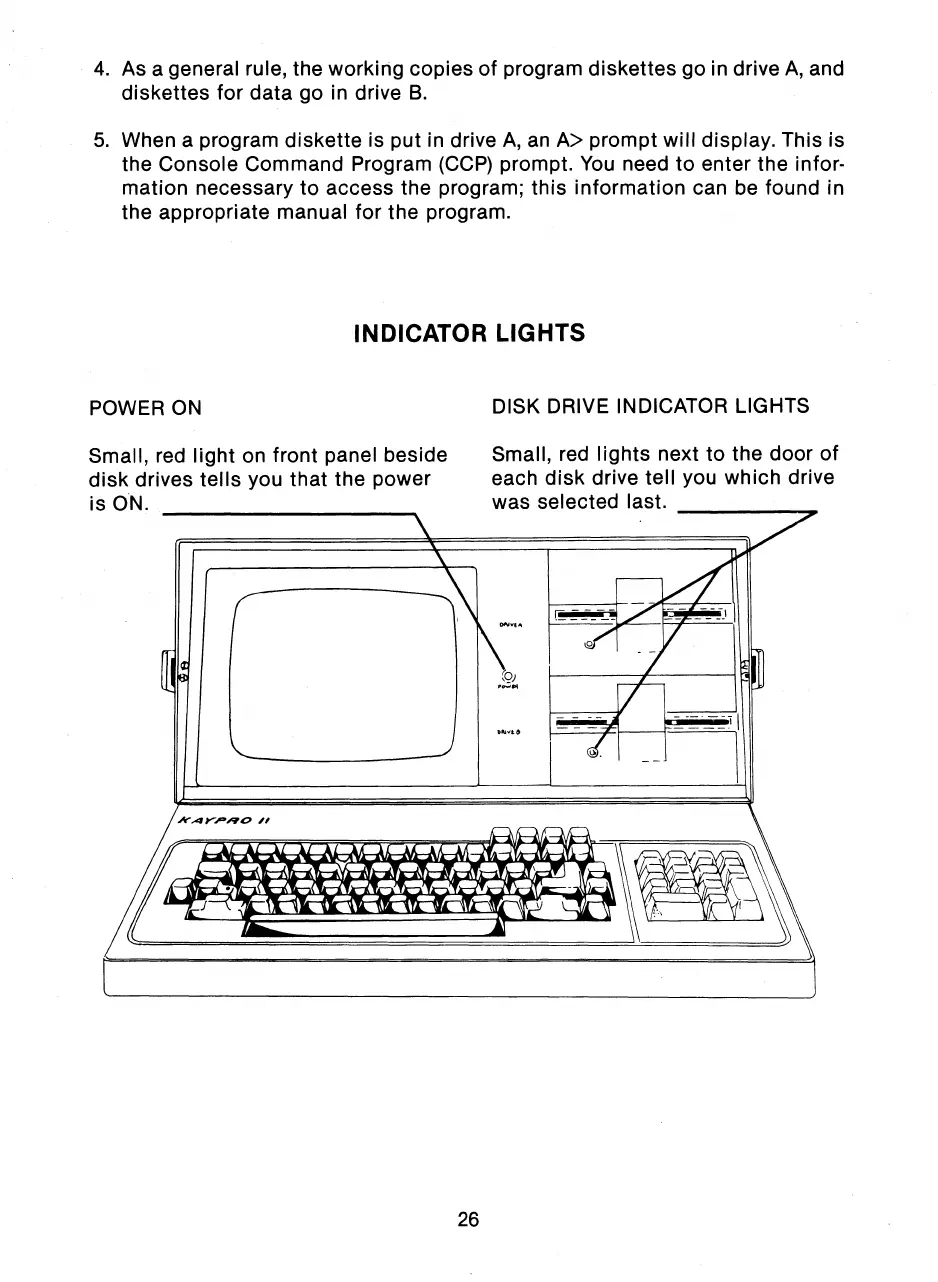
POWER ON
Small, red light on front panel beside
disk drives tells you that the power
is ON.
DISK DRIVE INDICATOR LIGHTS
Small, red lights next to the door of
each disk drive tell you which drive
was selected last.
26



 To Next Page