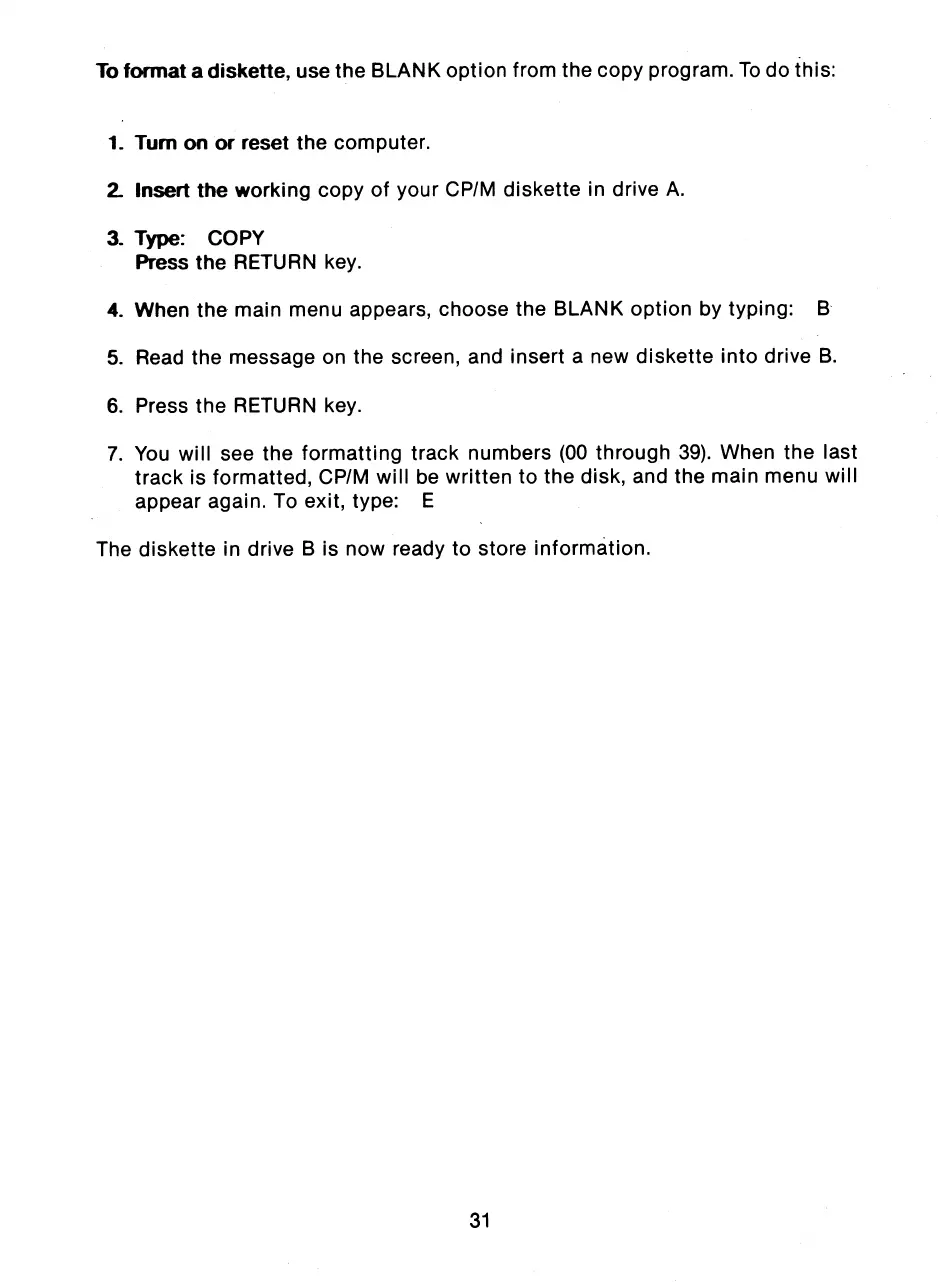
To format a diskette, use the BLANK option from the copy program. To do this:
1.
Turn on or reset the computer.
2.
Insert the working copy of your CP/M diskette in drive A.
3.
Type: COPY
Press the RETURN key.
4.
When the main menu appears, choose the BLANK option by typing: B
5.
Read the message on the screen, and insert a new diskette into drive B.
6.
Press the RETURN key.
7.
You will see the formatting track numbers (00 through 39). When the last
track is formatted, CP/M will be written to the disk, and the main menu will
appear again. To exit, type: E
The diskette in drive B is now ready to store information.
31



 To Next Page