1.
Turn on or reset the KAYPRO.
2.
Put the CP/M diskette into drive A.
3.
At the A> prompt, type: PIP
Press RETURN.
4.
When the asterisk appears,
remove the CP/M diskette.
5.
Put into drive A the diskette
FROM which you want to copy.
6.
Put into drive B the
diskette TO which you
want to copy.
7.
To copy files from drive
A to drive B, type B: = A:
as given below. Choose
one of the following
options, substituting
your file name where it
says FILENAME, and
your file type where it
says EXT.
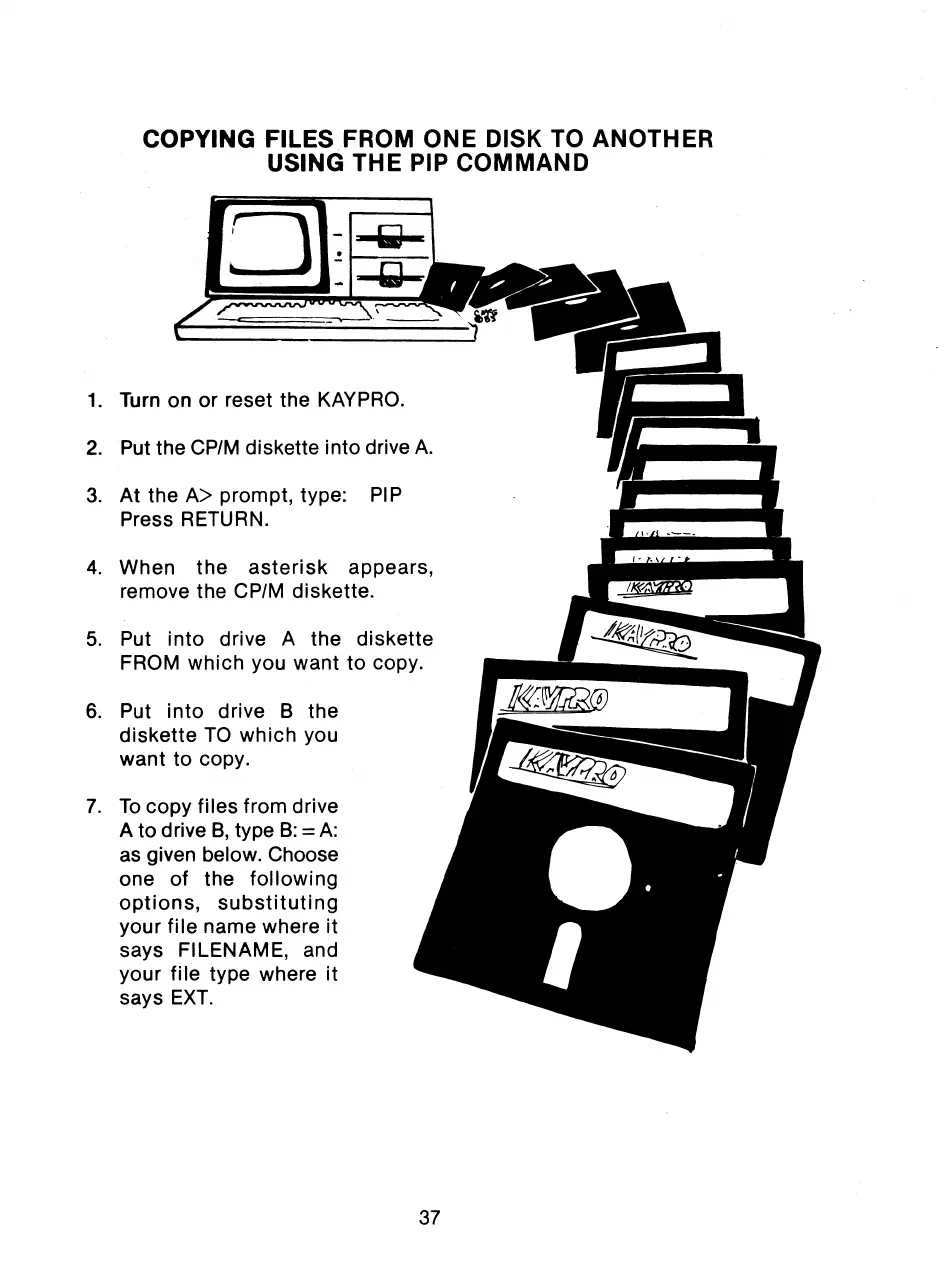
COPYING FILES FROM ONE DISK TO ANOTHER
USING THE PIP COMMAND
37



 To Next Page