VIDEO COMMAND PROTOCOL
The KAYPRO video section was designed to imitate most of the control se-
quences of a Lear-Siegler ADM-3A terminal. For most commercial software, this
means you can "install" or customize the display characteristics by choosing
ADM-3A from the menu.
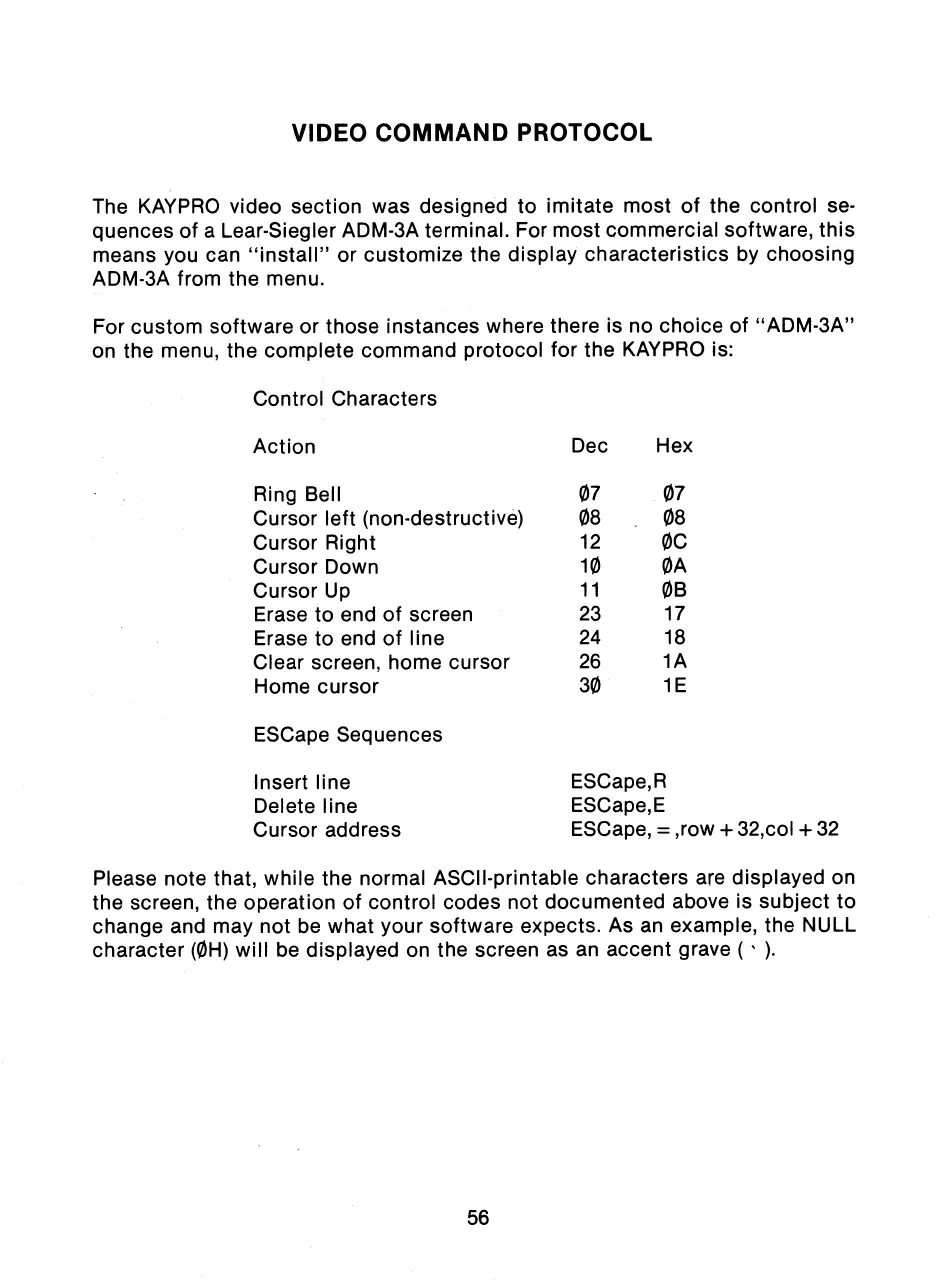
For custom software or those instances where there is no choice of "ADM-3A"
on the menu, the complete command protocol for the KAYPRO is:
Control Characters
Action
Dec
Hex
Ring Bell
07
07
Cursor left (non-destructive)
08
08
Cursor Right
12
OC
Cursor Down
10
OA
Cursor Up
11
OB
Erase to end of screen
23
17
Erase to end of line
24
18
Clear screen, home cursor
26
1A
Home cursor
30
1E
ESCape Sequences
Insert line
ESCape,R
Delete line
ESCape,E
Cursor address
ESCape, = ,row + 32,col + 32
Please note that, while the normal ASCII-printable characters are displayed on
the screen, the operation of control codes not documented above is subject to
change and may not be what your software expects. As an example, the NULL
character (OH) will be displayed on the screen as an accent grave ( ).
56



 To Next Page