LS30 CONTROLLER INSTALLATION AND OPERATING GUIDE
25
•
•
•
•
'Set' and 'Exit' buons on LS30 Controller are pressed togeth-
er unl 'r.lo' parameter appear on screen,
Pres 'Set' buon for a short me and 'r.hi' parameter will ap-
pear on screen,
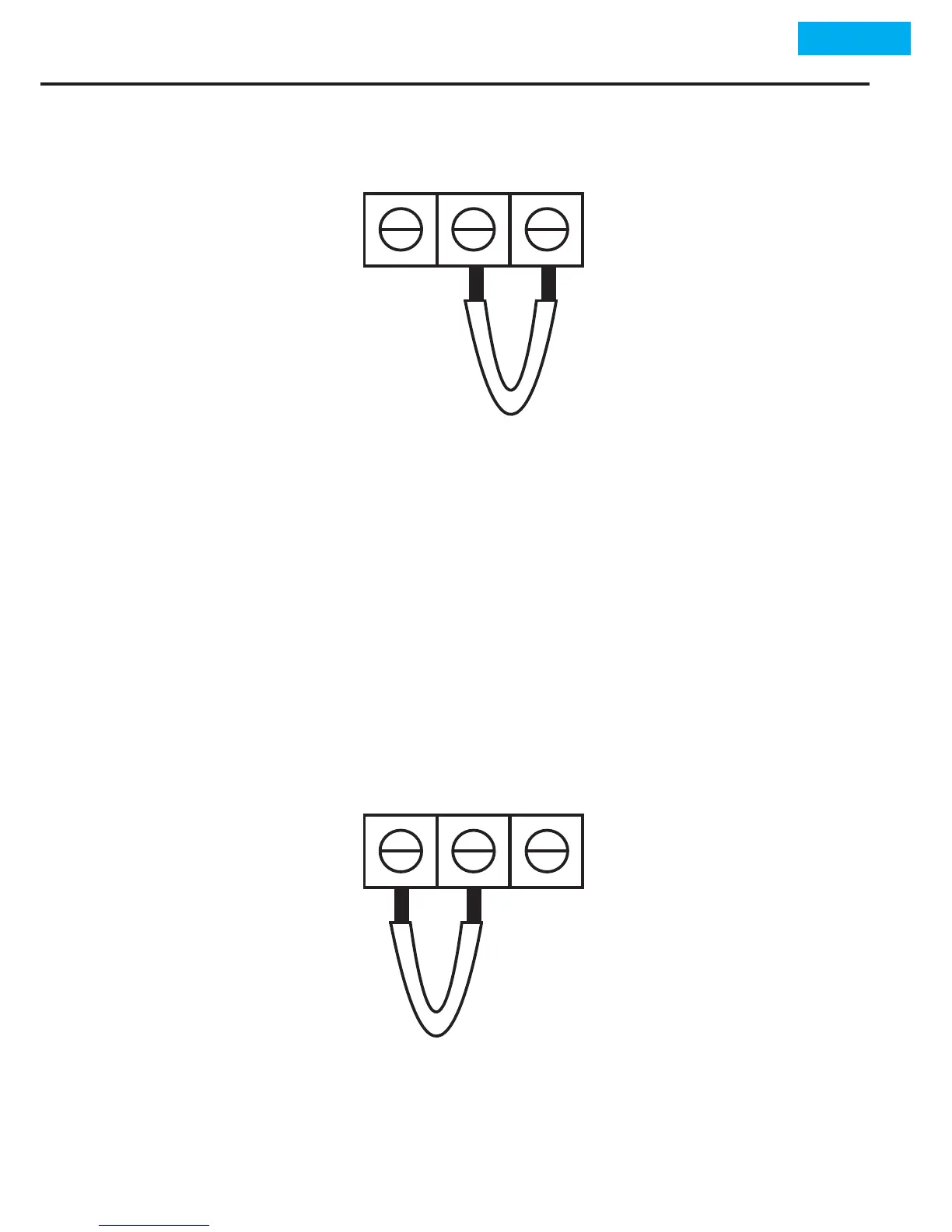
Contact the cable that had been contacted to terminal 3 pre-
viously to terminal 1 with a rapid transion,
1
1
2
2
3
3
Press Set buon for a short me upon seeing of '100' value on
top screen sensor connecons can be made again.


 To Next Page