Page 9
Unit Specifications and Features
Unit
Specifications
and Features
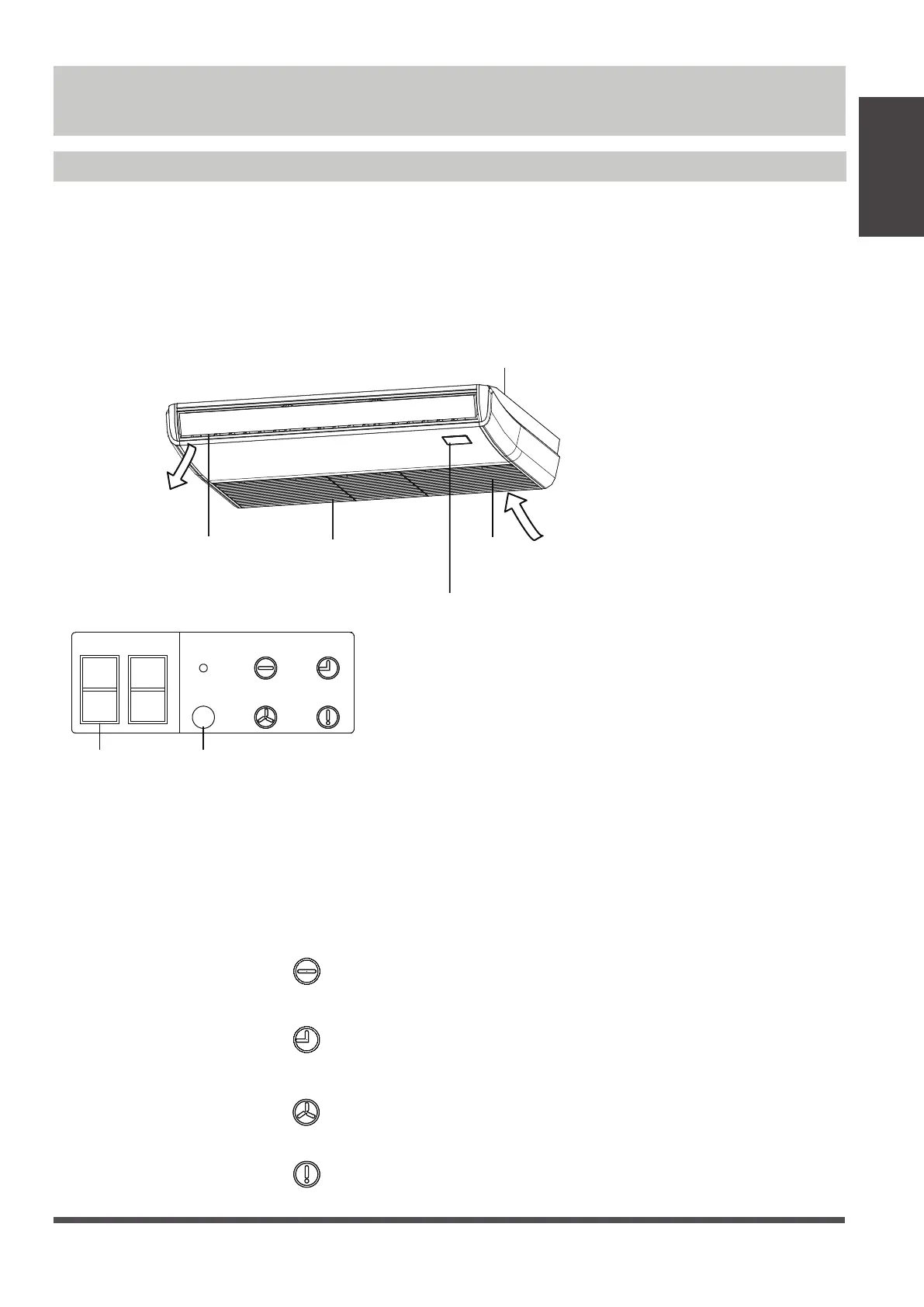
Indoor unit display
Air inlet
Display panel
Air outlet Louver
Installation part
Infrared receiver
LED display
MANUAL
TIMER
ALARM
OPERATION
DEF./FAN
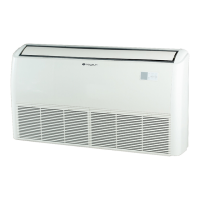
Illustrations in this manual are for explanatory purposes. The actual shape of your indoor unit may be
slightly dierent. The actual shape shall prevail.
NOTE: Dierent models have dierent display panel. Not all the indicators describing below are available
for the air conditioner you purchased. Please check the indoor display panel of the unit you purchased.
This display panel on the indoor unit can be used to operate the unit in case the remote control has
been misplaced or is out of batteries.
DEF./FAN
• MANUAL button :
This button selects the mode in the following order: AUTO, FORCED COOL, OFF.
FORCED COOL mode :
In FORCED COOL mode, the Operation light flashes. The system will then
turn to AUTO after it has cooled with a high wind speed for 30 minutes. The remote control will be
disabled during this operation.
OFF mode : The unit turns o.
•
OPERATION
Operation indicator :
TIMER
• Timer indicator :
• PRE-DEF indicator :
(pre-heating/defrost)
• Alarm indicator :
ALARM




 To Next Page