14
Door Timed Out When A&C open time is over Door Over time, it will
generate an alarm.
Door timed out alarm requires setup of door over time,
please refer to Ch 4.3.4.
Chart 4- 3
To set alarm:
Step 1. In A&C interface, press 【↑】key or 【↓】key, select alarm setup, and press 【√】
key. Enter alarm setup interface.
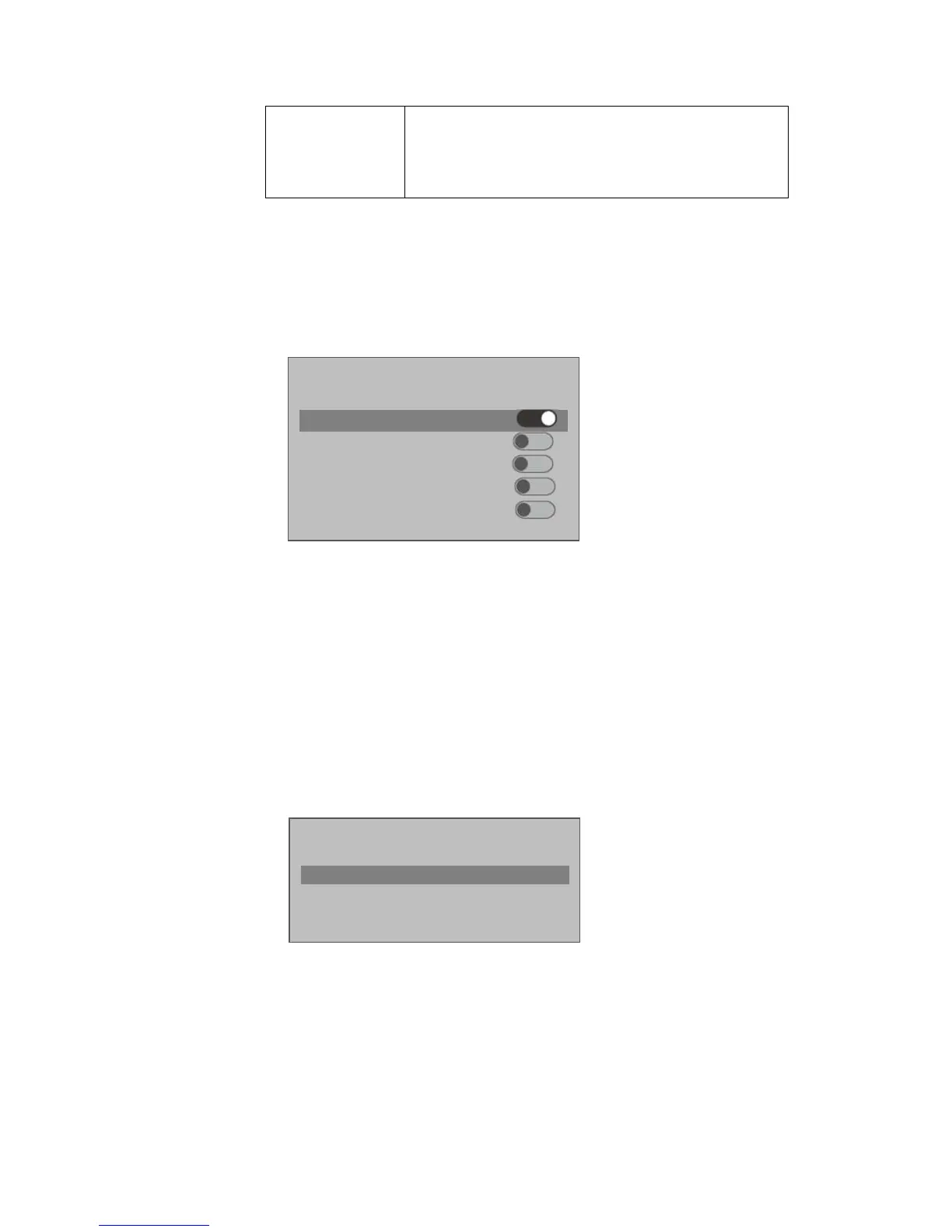
Step 2. Press 【↑】key or 【↓】key, select alarm to turn ON, and press 【√】key as follows.
Press 【√】 key again to close the alarm.
4.3.6 Door Status Setup
You can set A&C status to normal, NO or NC.
Step 1. In A&C setup interface, press 【↑】key or 【↓】key, select door status setup, and
press 【√】key to enter door status setup interface.
Step 2. Press 【↑】key or 【↓】key, select needed A&C status, and press 【√】key as
follows.
After selection is successful, a ○
√
will shown next to door status.
Door Status Setup
Normal



 To Next Page