2
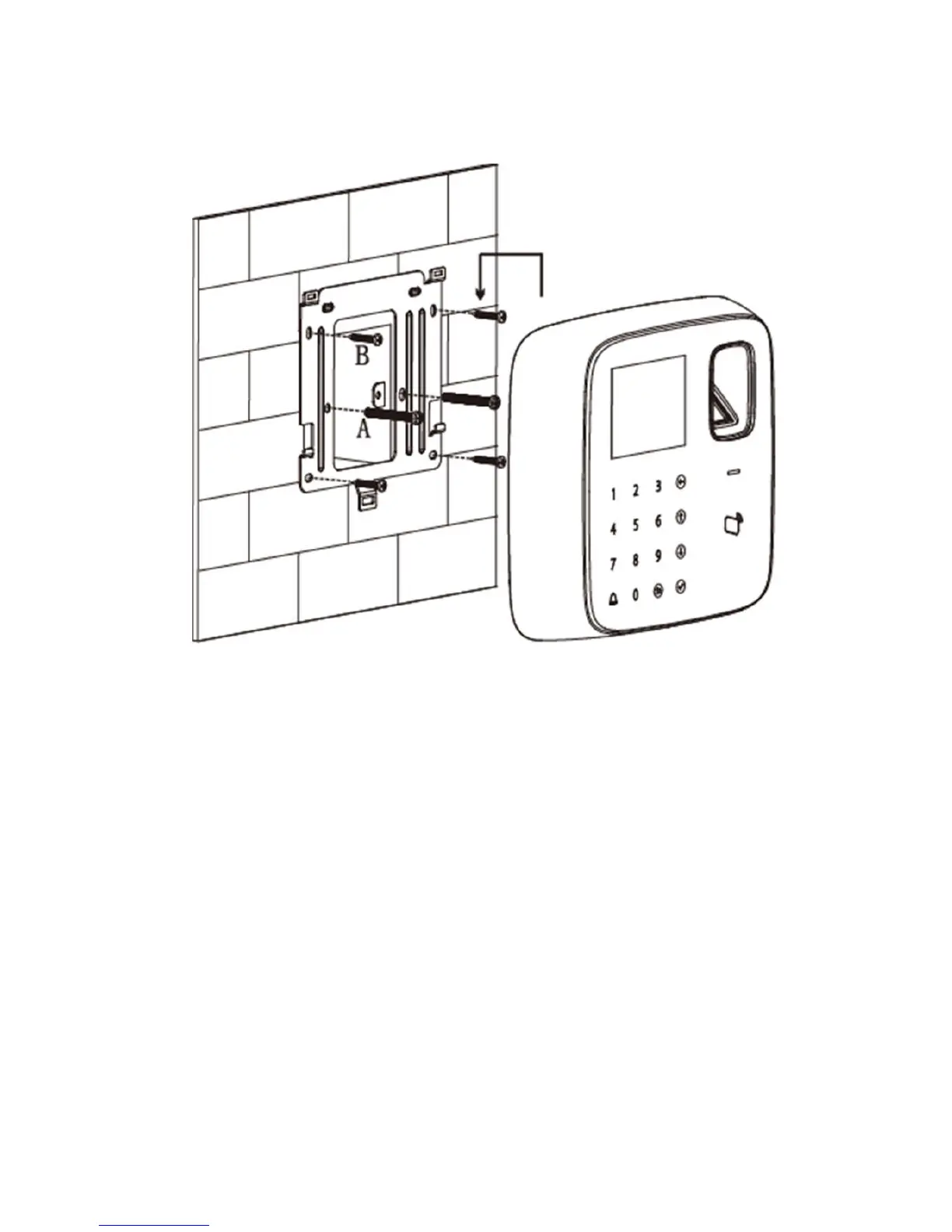
Fingerprint Access Control Integration Host installation is shown as in Figure 2- 3.
Figure 2- 3
Installation step:
Step 1. Fix installation bracket in the hole on 86 box via screw A as to fix the bracket on
wall (if no 86 box or you cannot fix it well, then use screw B to fix the bracket on wall,
but you must embed expansion nut at the corresponding position in wall before doing
so).
Step 2. According to installation map, hang the device on bracket hook.



 To Next Page