Installation Procedure
Disabling Other Wireless Adapters
A built-in wireless adapter is included in most new laptops. In order to prevent any potential conflicts, it is recommended to disable
the built-in wireless adapter before installing the Wireless N 150 USB Adapter.
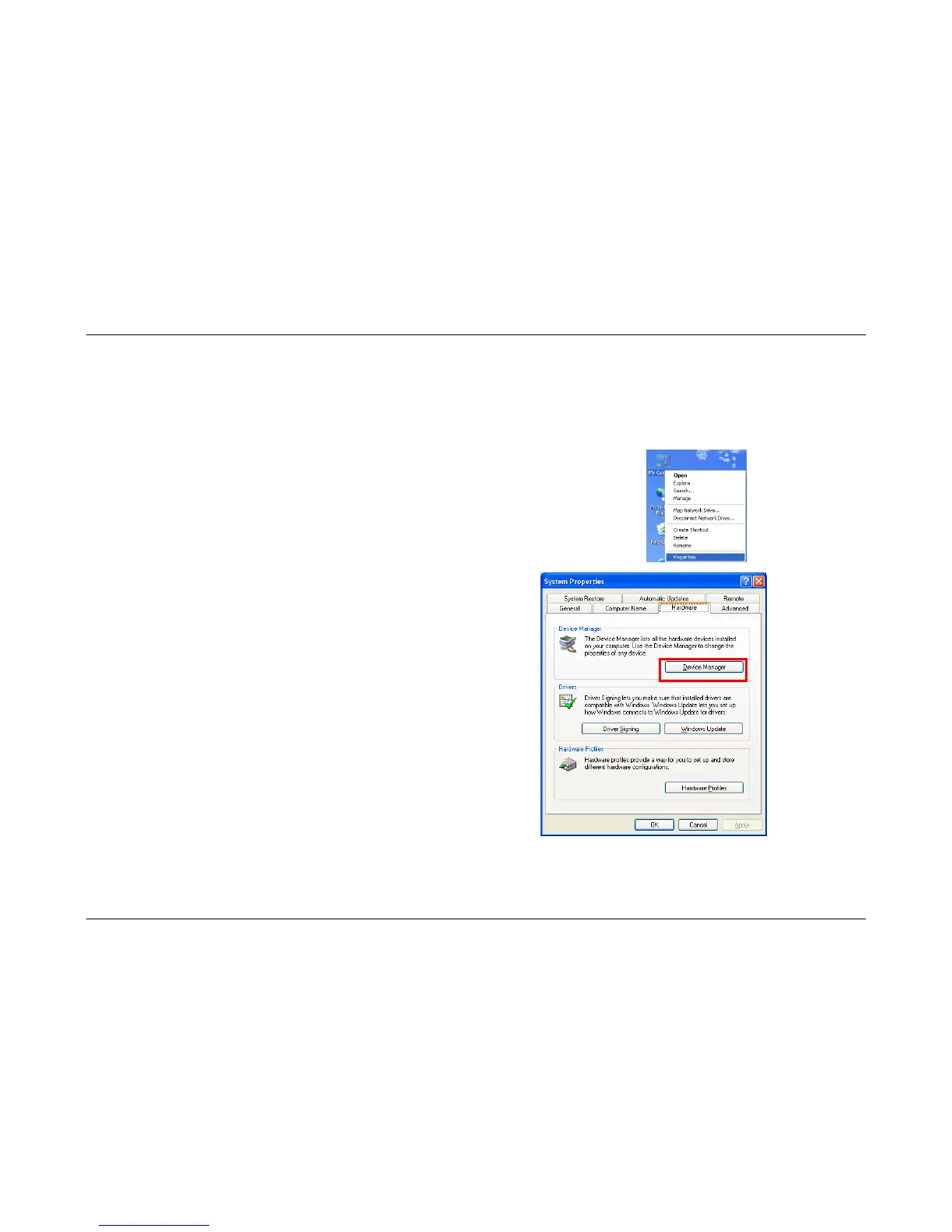
Carry out the following to disable a network adapter:
1. On your computer’s desktop, right-click the My Computer icon and select Properties.
2. Click the Hardware tab and then click the Device Manager button.
8



 To Next Page