Adapter Configuration
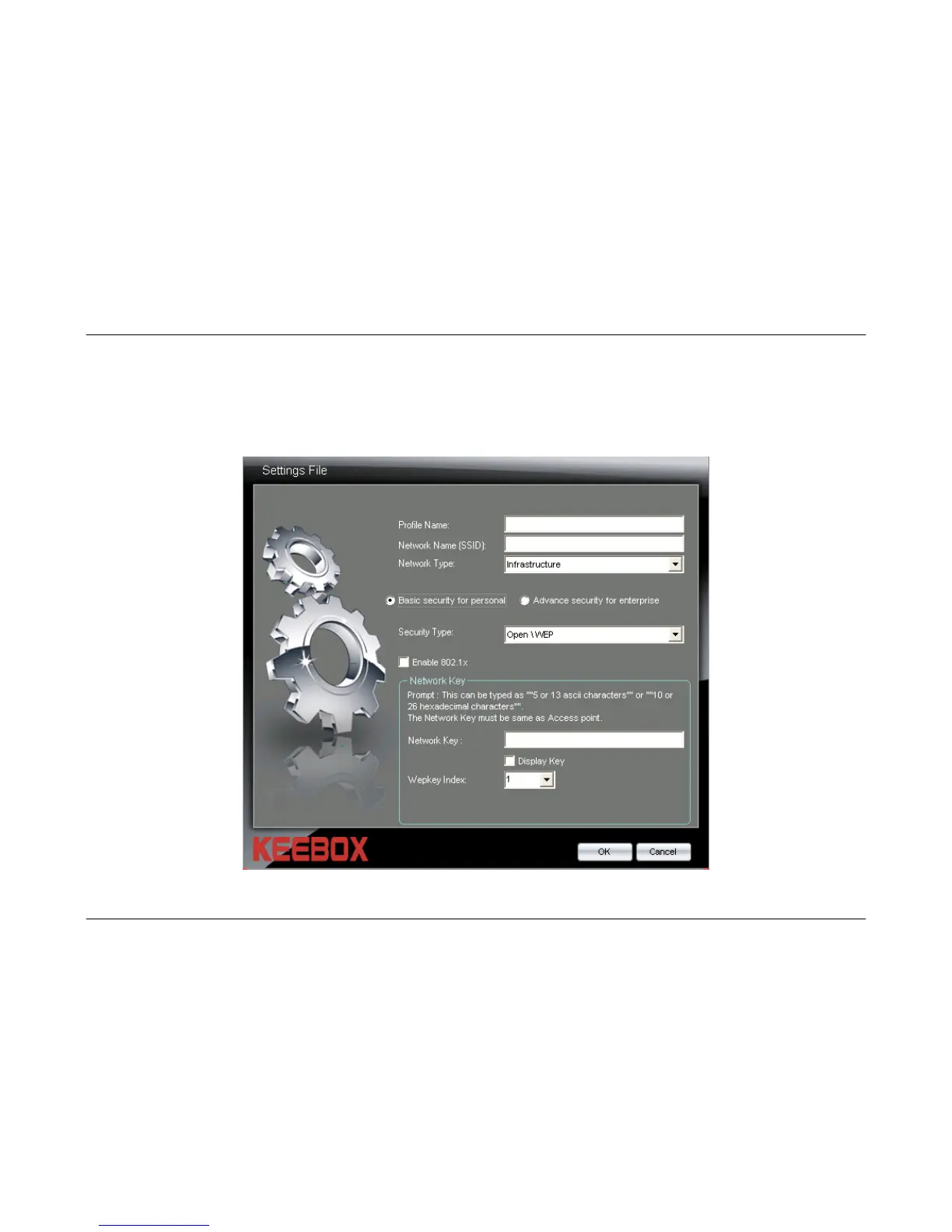
Creating a Basic Security Wireless Profile
Click the Basic Security for Personal radio button to create a basic wireless profile. The Basic Security Wireless Profile supports
the Open\Disable, Open\WEP, Shared\WEP, WPA-PSK\TKIP, WPA-PSK\AES, WPA2-PSK\TKIP, and WPA2-PSK\AES security
types. Use the Security drop-down menu to select the security type.
20



 To Next Page