Installation Procedure
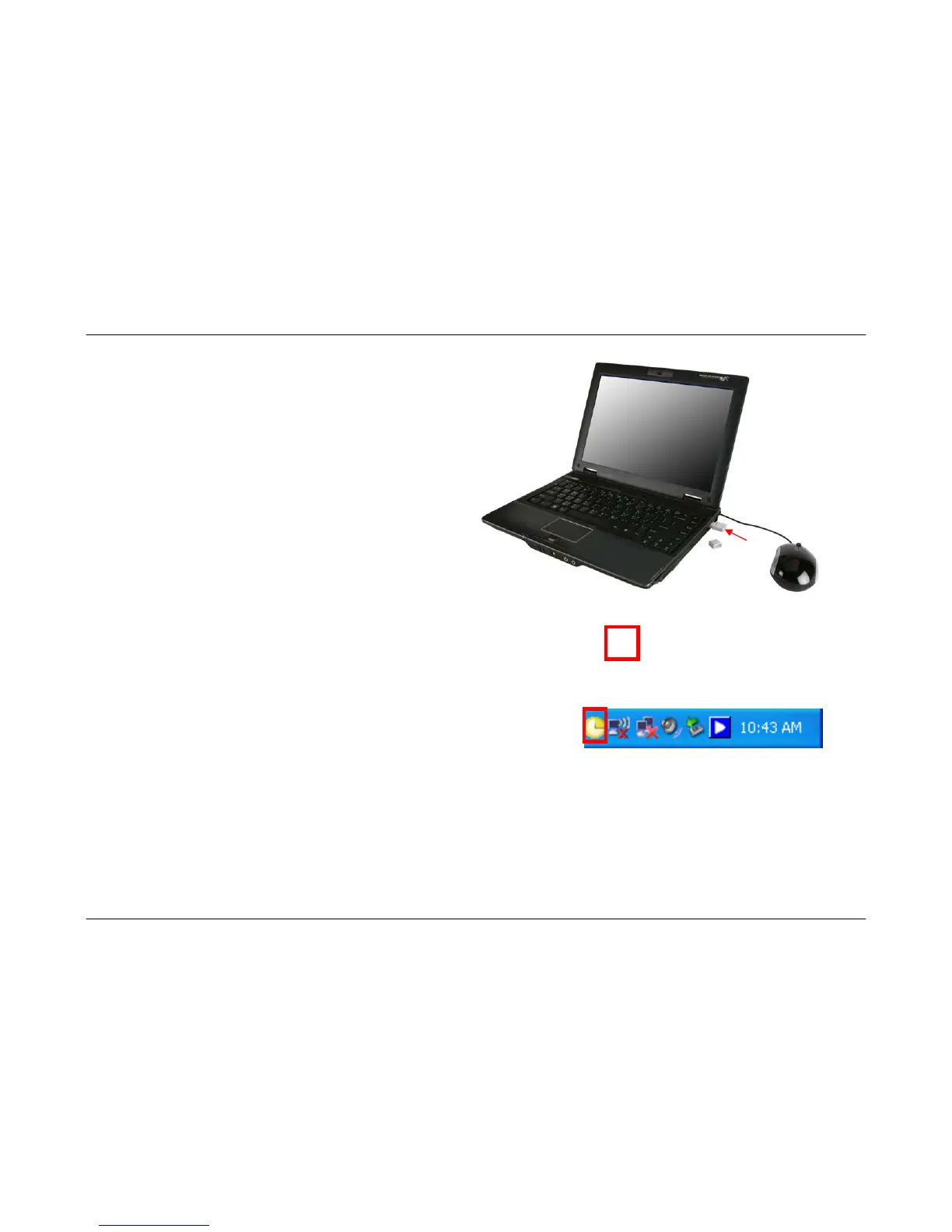
7. Insert the Wireless N 150 USB Adapter into an available
USB port on your computer.
8. The Found New Hardware icon will display in the Windows Taskbar. The Found New Hardware Wizard will automatically
install the driver for the Wireless N 150 USB adapter.
9. After the driver has been installed, the Wireless N 150 USB Adapter icon
will appear in the right corner of the Windows Taskbar.
14



 To Next Page