8
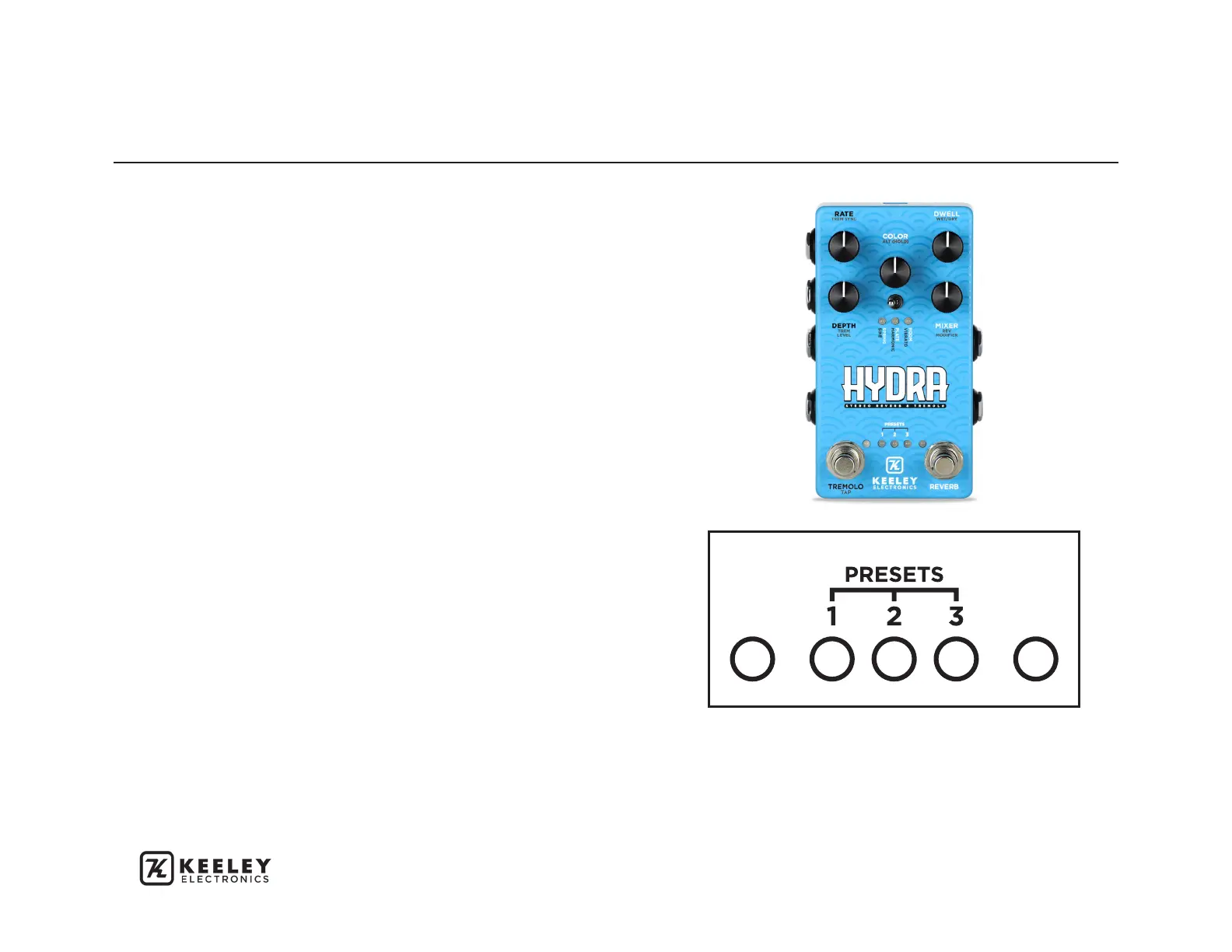
PRESET SELECT MODE - To enter Preset Select
Mode, quickly double tap the TREMOLO switch or
tap the COLOR knob once. Preset LEDs will begin
to flash. The REVERB switch or MODE Select switch
advances through the presets. Tap TREMOLO
again to select the preset currently flashing. Hold
TREMOLO to overwrite the selected preset.
CHANGES TO A PRESET - Any changes made to
a parameter will turn OFF the preset LED. Double
tap the TREMOLO switch again to once again enter
preset select mode. Cycle through the presets by
using the REVERB or MODE switch, then hold the
TREMOLO switch to save the changes made to the
selected preset.
The HYDRA features 3 preset locations. In addition,
you can access a What You See Is What You Get
(WYSIWYG) mode by entering Preset Select Mode,
then scrolling through the preset locations until all
3 Preset LEDs are blinking, then select it by tapping
the TREMOLO switch. This is a great way to exit any
of the three preset settings and go back to where
the controls are currently set.
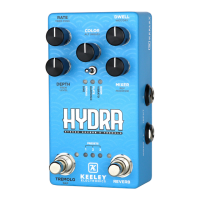
The three lights in the middle of the HYDRA are
preset indicators, which will correspond with the
currently engaged preset. In WYSIWYG mode, all
three are constantly lit.
CREATING AND SAVING PRESETS


 To Next Page