XL - pro
Selection of language
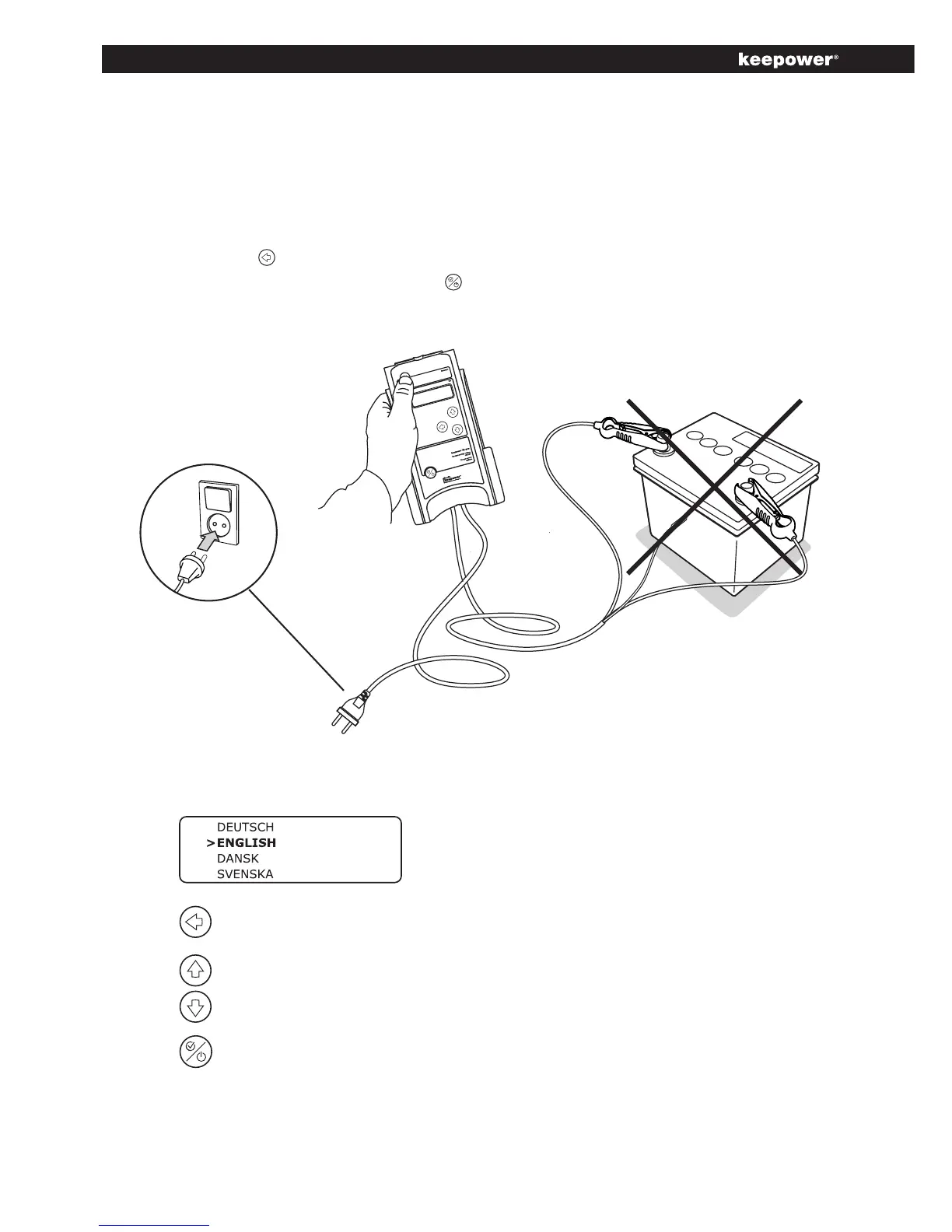
Theselectionofthemenulanguageisdonewithoutabatteryconnected
(chargerconnectedtoMains).Themenulanguageselectionisactivatedby
pressingthebackbutton,scrollingtothelanguagetobeusedandselect-
ingthelanguagebypressingthe“Select”button.
Activatelanguageselection
Scrollingtoselectthe
language
Selectlanguage
The language selection only woks with the clips disconnected.



 To Next Page