Mounting Handlebar Assembly
NOTE: If installing the M3 computer please do so before mounting the handle bars. When the computer installation is
complete please return to this step.
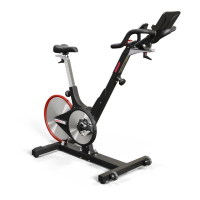
Step 1: Obtain the handlebar assembly, 6mm Allen wrench, and the socket head cap screws (M8x1.25 X 12 SS). Observe
the location of the two mounting anges on the handlebar post. Place the handlebar assembly on the post mounts,
aligning the mounting holes.
Step 2: Tilt the handlebar assembly slightly to place the socket head cap screws (M8x1.25 X 12 SS) into the mounting
holes. Once each screw has been started, place the palm of one hand on the center of the handlebar pressing rmly and
evenly onto the handlebar post. With the other hand tighten each screw with the Allen wrench until the head of each screw
just makes contact with each hole. Now tighten each screw evenly.
Computer Battery Replacement
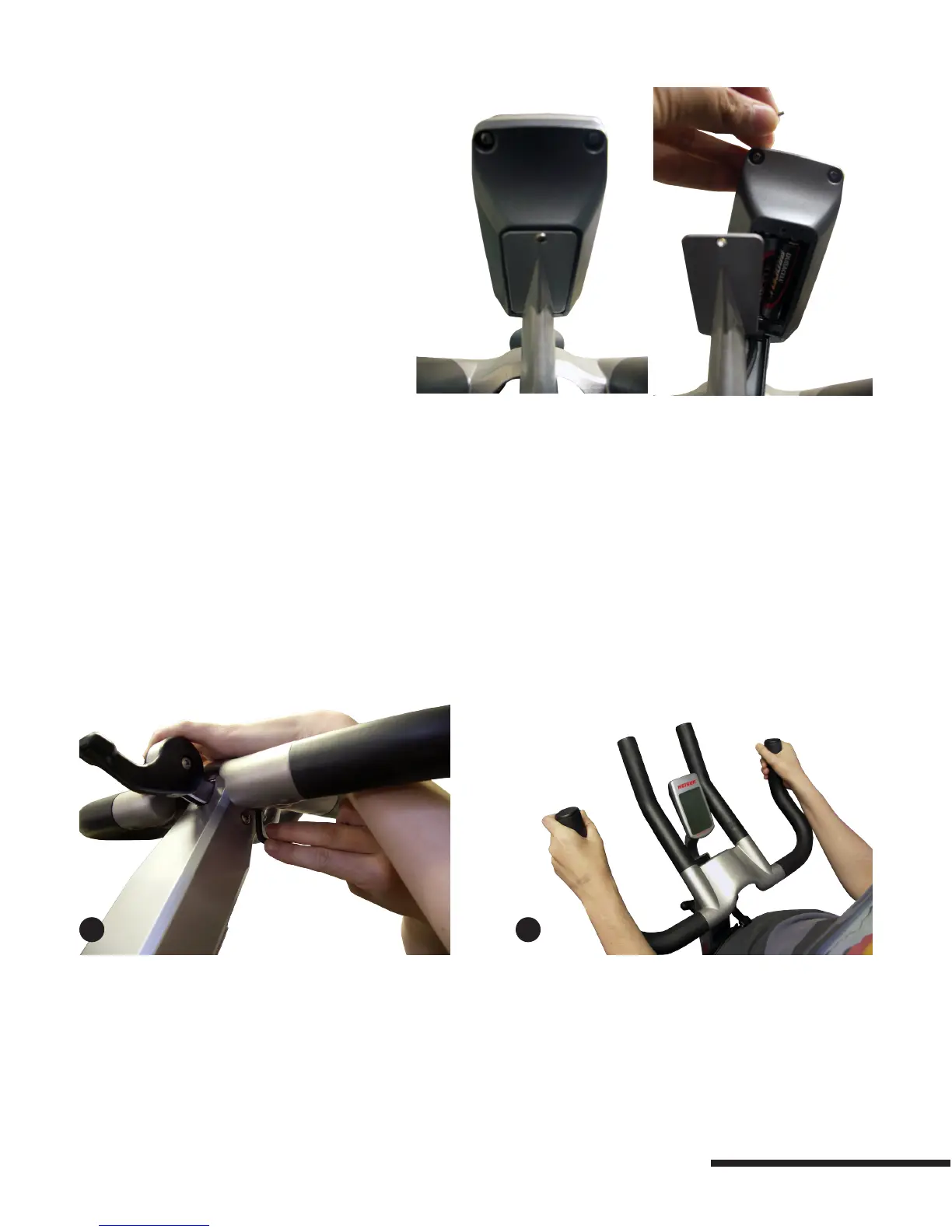
To test the computer batteries rotate the crank
arm until the computer “wakes up”. If the battery is
low, a “LO-BA” will display in the odometer (ODO)
display at the bottom of the computer. To replace
the batteries unscrew the back of the computer
housing and remove old AA batteries and replace
with a set of two new AA batteries. If you have
multiple bikes, we suggest all computer batteries be
changed at the same time.
1
2
7


 To Next Page