EasyManua.ls Logo

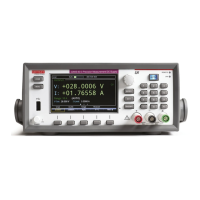
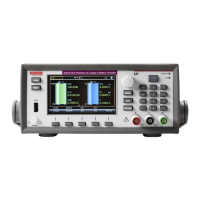
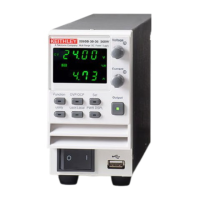
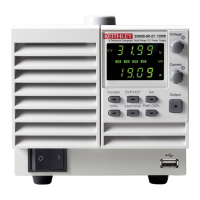
Keithley 2280S-32-6 - User Manual

Keithley 2280S-32-6
22 pages
Print Icon
To Next Page IconTo Next Page
Loading...
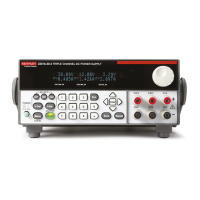
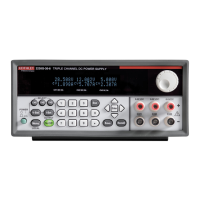
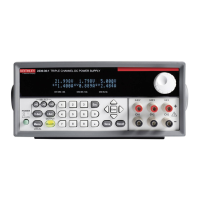
Series 2280 Precision Measurement DC
Power Supplies Quick Start Guide

Other manuals for Keithley 2280S-32-6

Questions and Answers

  • R
    Roger FaulknerNov 2, 2025
    How to fix Keithley Power Supply when unable to connect to the instrument's web interface?
    • T
      Travis PhillipsNov 2, 2025
      If you're having trouble connecting to the instrument's web interface, here are a few things to check: * Make sure the network cable is plugged into the correct port on your computer. * Confirm you used the right Ethernet card configuration details during setup. * Ensure your computer's network card is enabled. * Check that the instrument's IP address is compatible with your computer's IP address. * Verify the instrument's subnet mask address matches your computer's. * Try restarting your computer. Also, power cycle the instrument (turn it off, then on) and wait at least 60 seconds for the network configuration to complete. Then, verify the correct settings are assigned to the instrument by pressing the MENU key, then under System, select Communication, then select the LAN int...

Summary

Safety Precautions

Power and environmental specifications

Introduction

Unpack and inspect the instrument

Connect the instrument

Important test system safety information

Crucial safety guidelines for connecting instruments in a test system.

Install the instrument

Power up the instrument

Connections for testing

Two-wire connections

Basic operation using short wires to minimize inductance and noise pickup.

Four-wire remote sense connection

Overview of the front-panel options

ENTER and EXIT keys

Describes the function of ENTER and EXIT keys for navigation and selection.

TRIGGER key

Explains the action of the TRIGGER key based on the selected trigger method.

Front-panel user interface overview

Home screen overview

Details the layout and elements of the instrument's Home screen.

Menu screen overview

Voltage output and current measurement

Select a measure function

Specify a measurement range

Configure and execute a 10-step linear list sweep

Next steps

Contact information

Keithley 2280S-32-6 Specifications

General IconGeneral
BrandKeithley
Model2280S-32-6
CategoryPower Supply
LanguageEnglish

Related product manuals