EasyManua.ls Logo

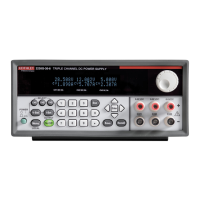
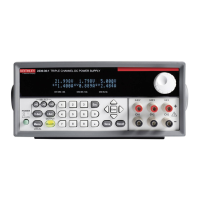
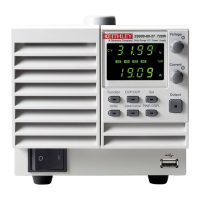
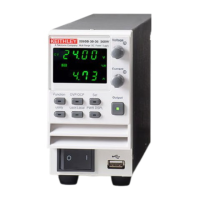
Keithley 2280 Series - User Manual

Keithley 2280 Series
22 pages
Print Icon
To Next Page IconTo Next Page
Loading...
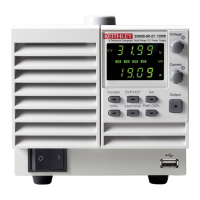
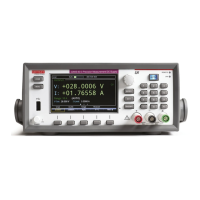
Series 2280 Precision Measurement
DC Power Supplies Quick Start Guide

Other manuals for Keithley 2280 Series

Questions and Answers

  • R
    Ricky ReynoldsAug 14, 2025
    How to fix unable to connect to Keithley 2280 web interface?
    • K
      Kelly TaylorAug 14, 2025
      First, ensure the network cable is connected to the LAN port on the rear panel of the Keithley Power Supply, not one of the TSP-Link ports. Also, check that the network cable is in the correct port on your computer and that the LAN port of your laptop is enabled, especially if you are using a docking station. Verify that the configuration information for the correct Ethernet card was used during setup. Confirm that the IP address and subnet mask address of the instrument are compatible with those of your computer. Finally, restart your computer and power cycle the instrument, waiting at least 60 seconds for the network configuration to complete.
  • G
    Gina JacksonOct 31, 2025
    How to fix Keithley Power Supply when unable to connect to the instrument's web interface?
    • P
      Paul HarrisOct 31, 2025
      If you're having trouble connecting to the instrument's web interface, here are a few things to check: * Make sure the network cable is plugged into the correct port on your computer. * Confirm you used the right Ethernet card configuration details during setup. * Ensure your computer's network card is enabled. * Check that the instrument's IP address is compatible with your computer's IP address. * Verify the instrument's subnet mask address matches your computer's. * Try restarting your computer. Also, power cycle the instrument (turn it off, then on) and wait at least 60 seconds for the network configuration to complete. Then, verify the correct settings are assigned to the instrument by pressing the MENU key, then under System, select Communication, then select the LAN int...

Summary

Safety precautions

Unpack and inspect the instrument

Connect the instrument

Important test system safety information

Discusses critical safety considerations for test system design, integration, installation, and operation.

Install the instrument

Provides guidance on bench or rack mounting, ventilation, and positioning for proper cooling and access.

To connect line power

Details the steps for connecting the power cord to the instrument and a grounded AC outlet.

Simple voltage output and current measurement

To set the voltage and current limit on the front panel

Guides users through setting voltage and current limits on the front panel using numerical keys or navigation controls.

Specify a measurement range

Configure and execute a 10-step linear list sweep

To configure a list on the front panel

Provides step-by-step instructions for creating a 10-step linear list sweep on the instrument's front panel.

To execute a list sweep on the front panel

Guides users on executing a configured list sweep from the front panel, including sample count and enabling the sweep.

Keithley 2280 Series Specifications

General IconGeneral
Programming Resolution (Voltage)1mV
Model2280S
Load Regulation≤0.01% + 2mV
Line Regulation≤0.01% + 2mV
Display4.3-inch color LCD
InterfaceUSB, LAN

Related product manuals