Connect the Dell R-Series
Copyright © 2002 - 2016 KEMP Technologies, Inc. All Rights Reserved. 13
To upgrade the license from temporary to permanent please complete the following steps:
1. Select the System Configuration menu option.
2. Select the System Administration > Update License menu option.
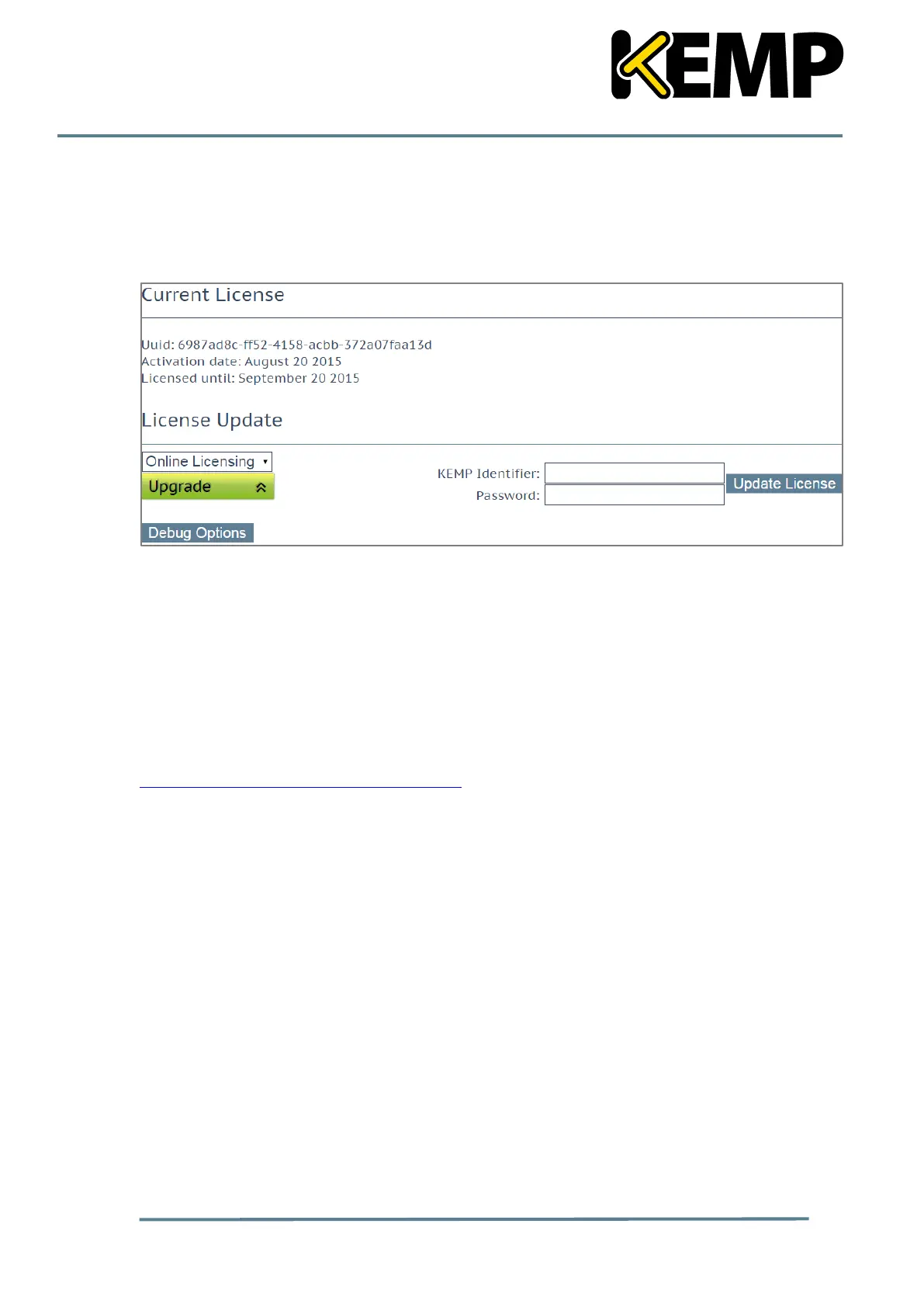
The Update License screen appears.
Figure 2-14: Update License screen
3. If using the Online licensing method, fill in the fields and click Update License.
If using the Offline Licensing method, select Offline Licensing, copy the license text from
the email, paste it into the License field and click Update License.
The license should now be updated.
The LoadMaster is now fully installed, fully licensed and ready to be used. For further
information on how to configure and implement the LoadMaster, please refer to the
LoadMaster documentation which can be downloaded from the
http://kemptechnologies.com/documentation page.



 To Next Page