22
Fig. 1
Fig. 2
Fig. 3
INSTRUCTIONS PRESS DISPLAY
Setting Bake
The BAKE pad controls normal baking. If preheating is necessary, refer to the PREHEAT feature for
instructions. The oven can be programmed to bake at any temperature from 170°F to 550°F (The sample shown below is for
350°F).
Some Important Things to Know Before Setting Cooking Features:
The oven has been factory pre-set to start any BAKE, CONV BAKE, CONV ROAST, PREHEAT, CAKE or BREAD function
with the oven set temperature automatically set for 350°F. If needed the oven set temperature may be adjusted at any time.
Setting Oven Controls
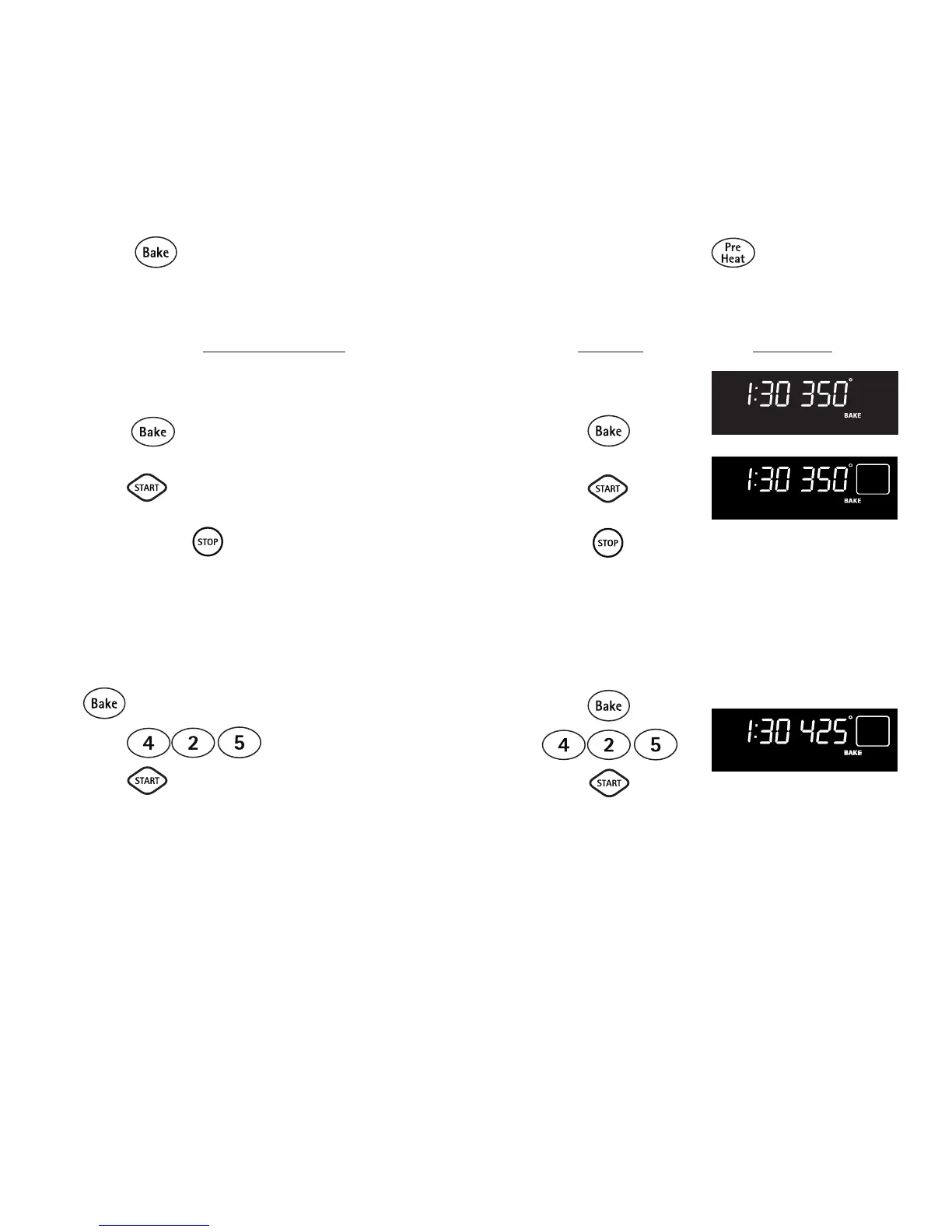
• Setting Bake
To set the Bake Temperature to 350°F:
1. Arrange interior oven racks and place food in oven.
2. Press , 350° will automatically appear in the display
(See Fig. 1).
3. Press . A long beep will sound once the oven set
temperature reaches 350° F (See Fig. 2).
Note: Pressing will cancel the Bake feature at any time.
To change the Bake Temperature (example changing
from 350° to 425°F):
1. After the oven has already been set to bake at 350°F and the
oven set temperature needs to be changed to 425°F, press
(See Fig. 2).
2. Press . 425° will appear in the display.
3. Press (See Fig. 3).
4. The oven is now set for 425°F.



 To Next Page