EasyManua.ls Logo

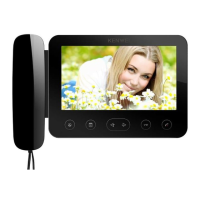
Kenwei E705FC - Parts and Features

Kenwei E705FC
16 pages
Print Icon
To Next Page IconTo Next Page
To Previous Page IconTo Previous Page
Loading...
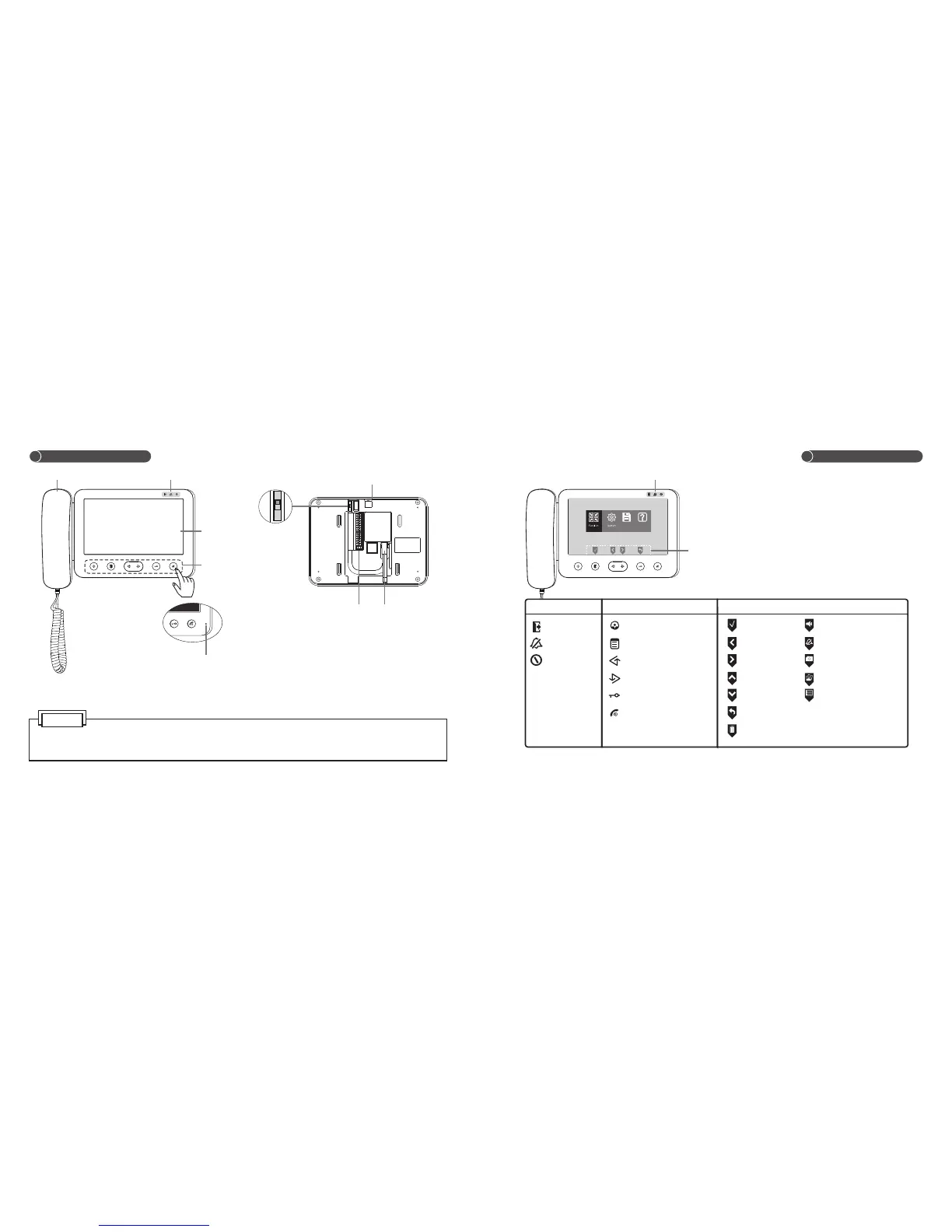
1.The button function of E705FC Series and E706FC Series are corresponding.
2. Touch the center of button to operate the unit (as the finger indicate).
Parts and Features
Handset
LED
Screen
Speaker(E706FC Series)
Connection
terminal
AC power cord
(AC power supply)
MIC.
OFF ON
OFF ON
Storage Help
Touch button
Task Icon (correspond with the below buttons)
VD-R Switch
LED
Touch button
Away
Mute
Power
Monitor
Menu/Confirm
Left/Up/Away
Right/Down/Mute
Unlock/Return
Talk/Stop/Power
Confirm
Left
Right
Up
Down
Return
Delete
LED
Task Icon
NOTE
Volume Adjustment
Mute
Take Photo
Review Picture
Select Menu
4
5
Parts and Features

Related product manuals