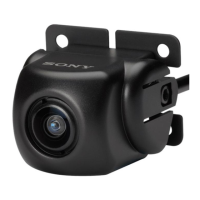
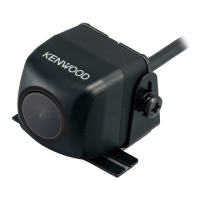
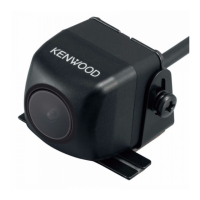
CMOS-310/CMOS-210
|
11
ENGLISH
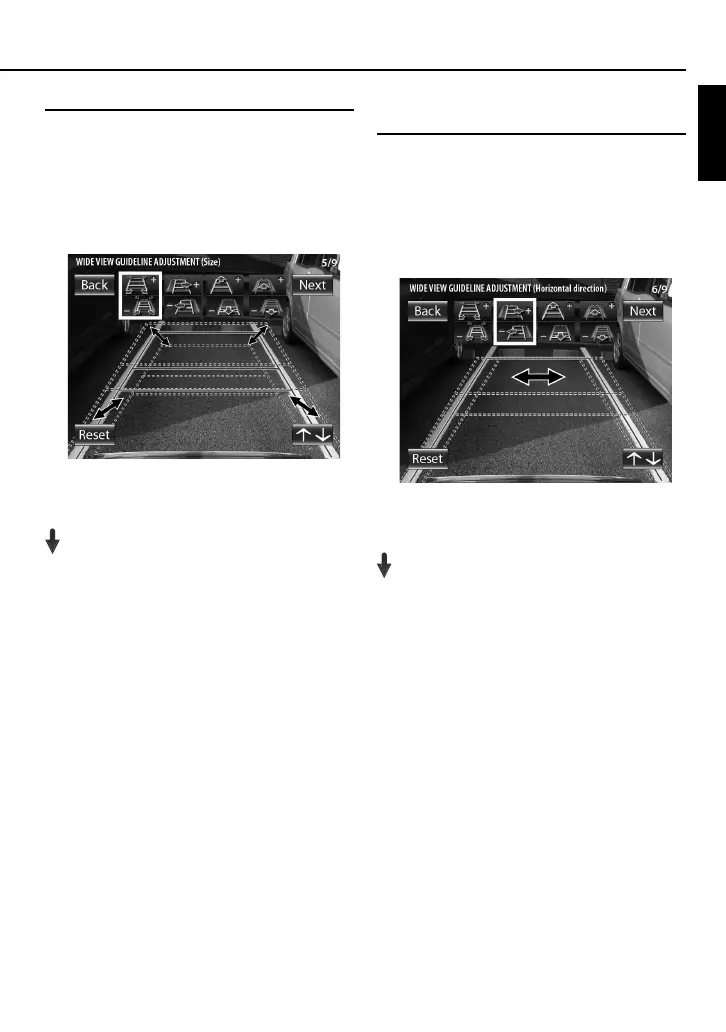
Wide View Guideline Adjustment (Size)
This item adjusts the overall size of guidelines displayed in
the wide view.
1 Select “WIDE VIEW GUIDELINE ADJUSTMENT
(Size)”.
2 Press the + or – button of the switch unit to
adjust the size.
3 After completing the adjustment, press the
view button.
Advances to “WIDE VIEW GUIDELINE
ADJUSTMENT (Horizontal direction)”.
Wide View Guideline Adjustment
(Horizontal Direction)
This item adjusts the left-right positioning of the
guidelines displayed in the wide view.
1 Select “WIDE VIEW GUIDELINE ADJUSTMENT
(Horizontal direction)”.
2 Press the + or – button of the switch unit to
adjust the left-right positioning.
3 After completing the adjustment, press the
view button.
Advances to “WIDE VIEW GUIDELINE
ADJUSTMENT (Vertical direction)”.


 To Next Page