20
auto cooking
This feature allows you to cook most of your food based on the food category and the weight. Select
the category and choose the weight of your food. For quick reference of the cooking time and the
weight, please refer to the auto menu table.
auto menu
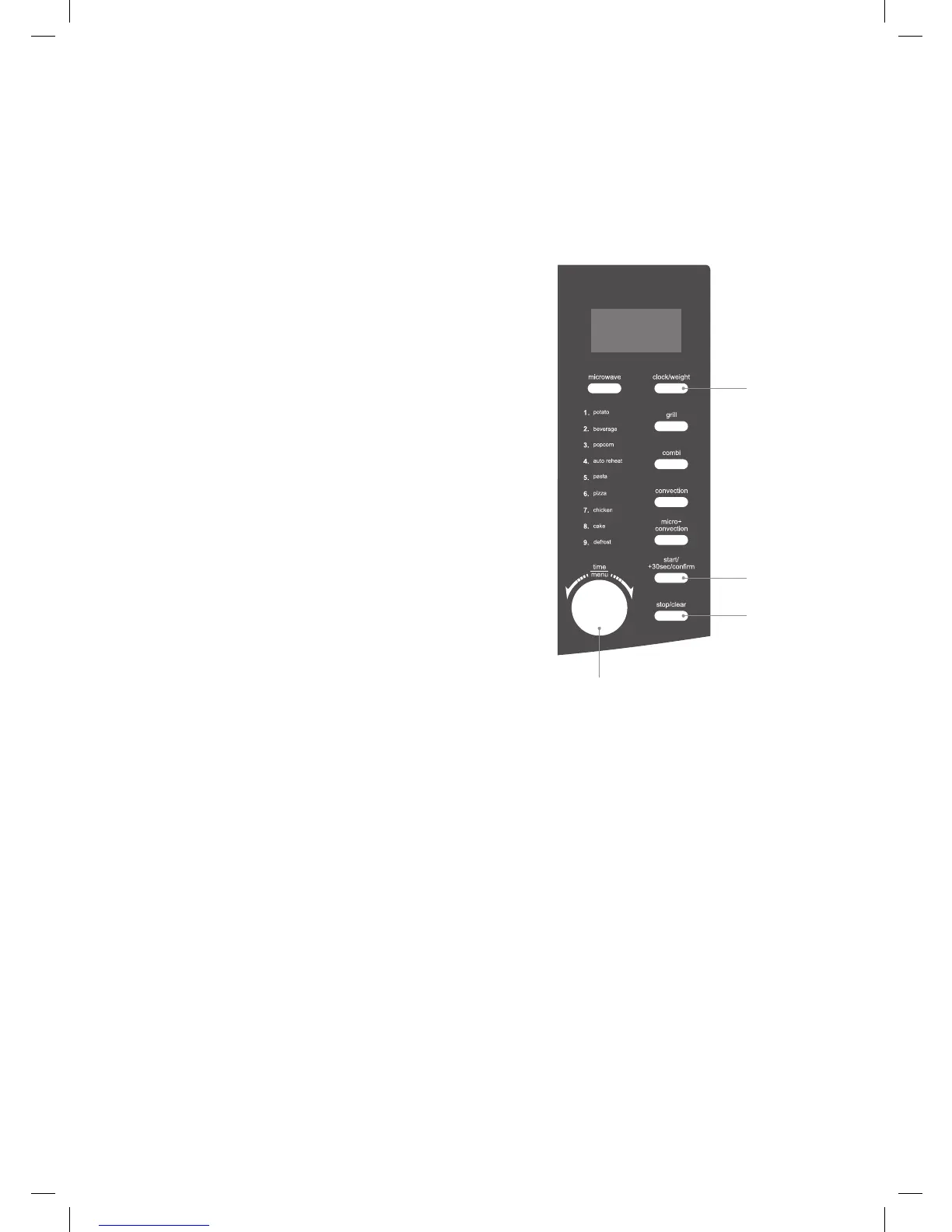
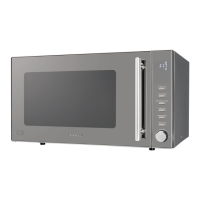
1. Turn the time/menu dial anti-clockwise to
select the auto menu programme required.
The LED display will show “CODE A-1”,
“CODE A-2” etc.
2. Press the clock/weight button repeatedly
to select the weight option for your chosen
programme. Please refer to the auto menu
table for information.
3. Press the start/+30sec/confirm button to
confirm and start cooking.
4. Press the stop/clear button once to stop
the cooking. Press the stop/clear button
again to cancel the setting.
For instance: If you want to cook 1000g of
chicken using the auto menu programme,
please follow the steps below.
1. Turn the time/menu dial anti-clockwise
to select the auto menu programme for
chicken. The LED display will show “CODE
A-7”.
2. Press the clock/weight button to select the
weight of your chicken until the LED display
shows “1000”.
3. Press the start/+30sec/confirm button to
confirm and start cooking.
1
3
2
4
K30CSS10_IB_final110127.indd 20 27/01/2011 5:14 PM


 To Next Page