24
querying the cooking function
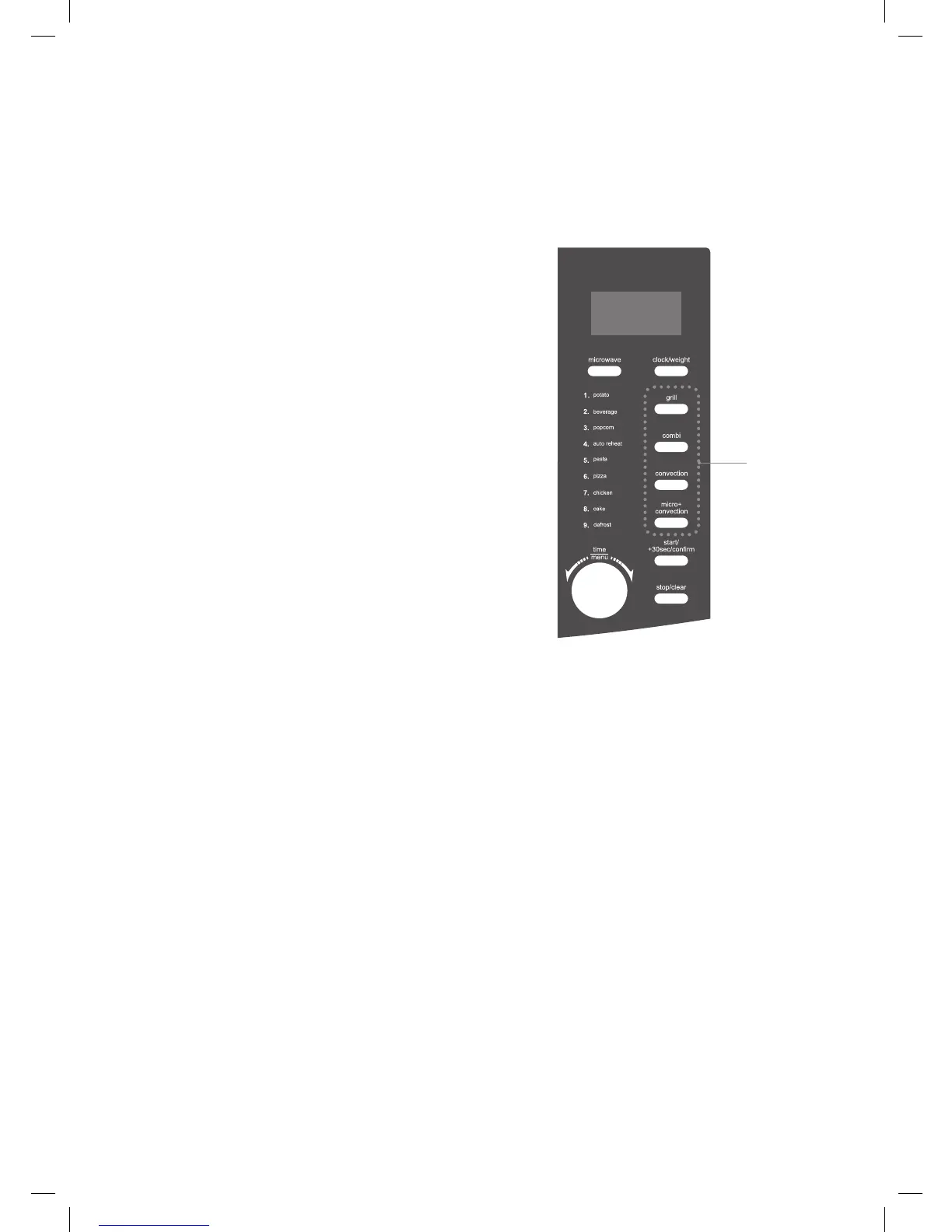
This feature allows you to check and view the current cooking settings.
to find out the current cooking setting
1. Press the microwave, convection, or
micro+convection button once and
the LED display will show the current
cooking setting while the microwave
is in either microwave, convection, or
micro+convection cooking respectively. It
will last for 2 - 3 seconds and then return to
its original display.
1
K30CSS10_IB_final110127.indd 24 27/01/2011 5:14 PM


 To Next Page