Need help?
Do you have a question about the Kenwood PR-A Series and is the answer not in the manual?
Ensures the unit is used within its specified voltage range for safe operation.
Details safe practices for connecting output terminals and grounding.
Instructions on how to set the limiting current value in constant current mode.
Guidelines for optimal operating environment, including temperature and ventilation.
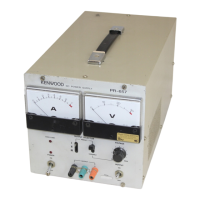
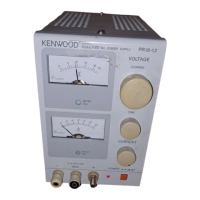
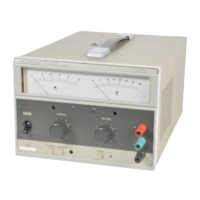
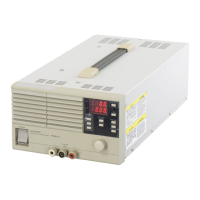
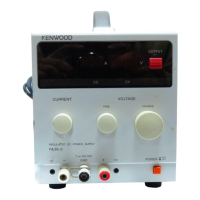
Details the controls and indicators located on the front of the power supply unit.
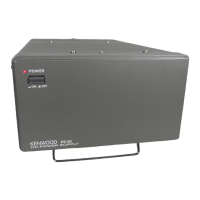
Explains the connections and features found on the rear of the power supply unit.
Instructions for using the power supply as a single, independent unit.
Guidance on connecting multiple units in series to increase output voltage.
Procedure for connecting units in parallel for increased output current using master-slave control.
Steps for safely removing the outer casing of the power supply unit.
Instructions on how to adjust the unit for different input AC voltage ranges.
Procedure for replacing fuses, including appropriate ratings for various voltage settings.
 General
| Display | Digital Voltmeter and Ammeter |
|---|---|
| Protection | Overload, Short Circuit, Over Temperature |
| Input Voltage | 110V/220V AC ±10% Switchable |
| Frequency | 50/60Hz |
| Connector Type | Banana Plug |


 To Next Page