EasyManua.ls Logo

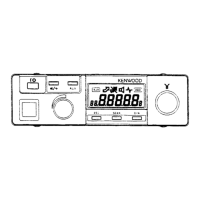
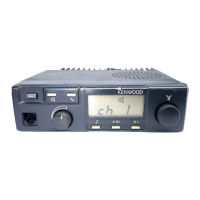
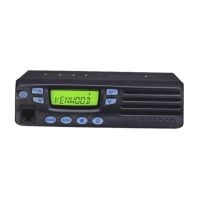
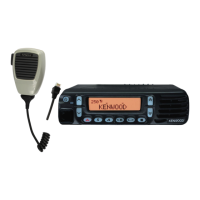
Kenwood TK-705D - Radio and Microphone Mounting; Radio Operation; Front Panel Controls

Kenwood TK-705D
15 pages
Print Icon
To Next Page IconTo Next Page
To Previous Page IconTo Previous Page
Loading...
5.
OPERATION
5-І.
CONTROLS
AND
FUNCTIONS
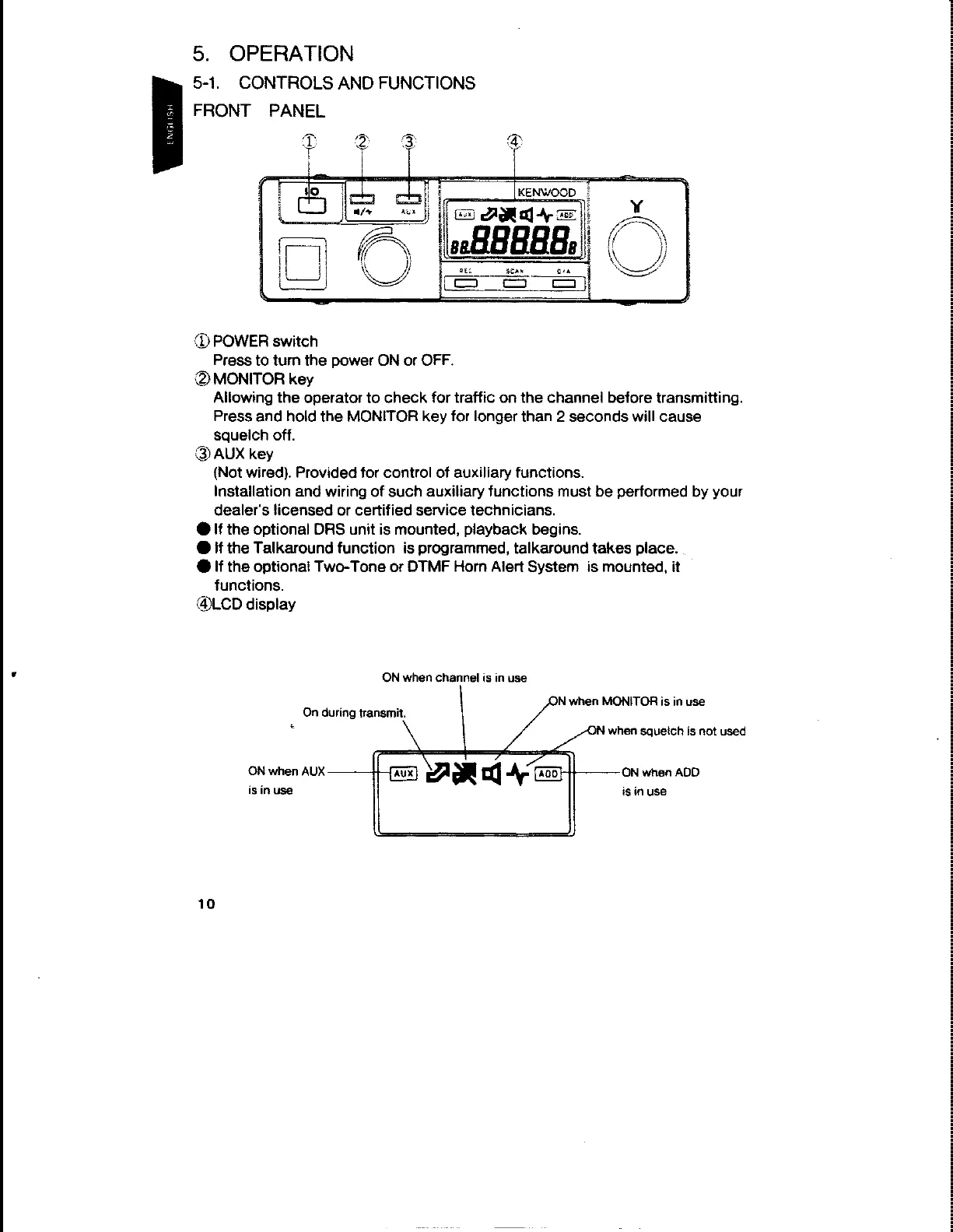
FRONT
PANEL
D
|
“|
(D
POWER
switch
Press
to
turn
the
power
ON
or
OFF.
@
MONITOR
key
Allowing
the
operator
to
check
for
traffic
on
the
channel
before
transmitting.
Press
and
hold
the
MONITOR
key
for
longer
than
2
seconds
will
cause
squeich
off.
@
AUX
кеу
(Not
wired).
Provided
for
control
of
auxiliary
functions.
Installation
and
wiring
of
such
auxiliary
functions
must
be
performed
by
your
dealer's
licensed
or
certified
service
technicians.
@
If
the
optional
DRS
unit
is
mounted,
playback
begins.
@
if
the
Talkaround
function
is
programmed,
talkaround
takes
place.
@
If
the
optional
Two-Tone
or
ОТМЕ
Horn
Alert
System
is
mounted,
it
functions.
@LCD
display
М
ОМ
when
channel
is in
use
N
when
MONITOR
is in
use
On
during
transmit.
hå
SN
when
squeich
is
not
used
\
Т
ON
when
AUX
Am
ці
А
400
ON
when
ADD
is
in
use
is
in
use
10