48
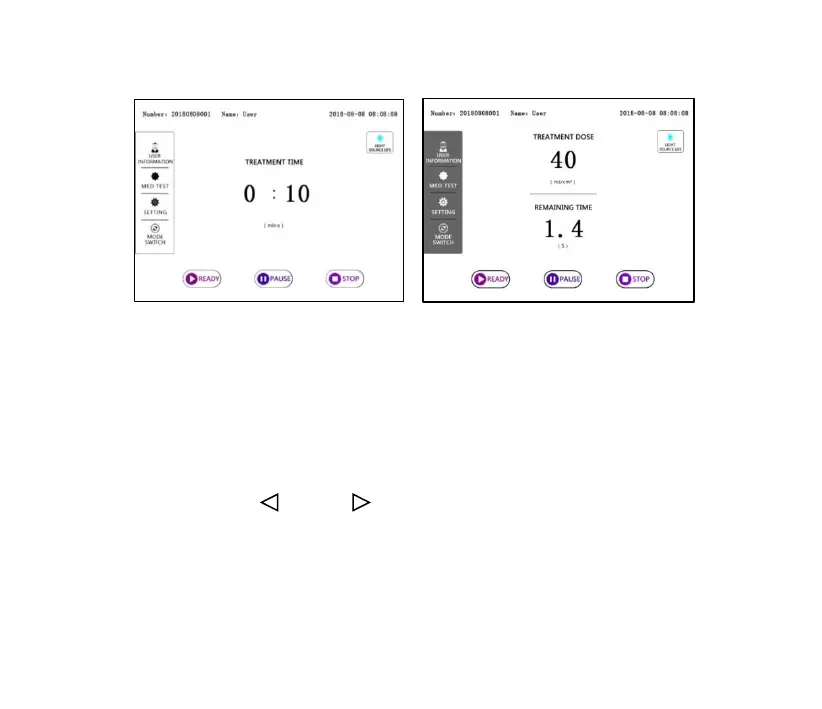
“Time” treatment mode “Dose” treatment mode
Figure 4-8
➢ Treatment mode selection: Click the “Setting” button and select the
treatment mode on the “Setting” interface (please refer to the section
4.3.4).
✓ Time treatment mode: Click the “TREATMENT TIME” value and
press the “ ” or “ ” button to set the irradiation time.
✓ "Dose" treatment mode: Click the "TREATMENT DOSE" value, the
numeric keypad will be showed, and enter the irradiation dose.



 To Next Page