60
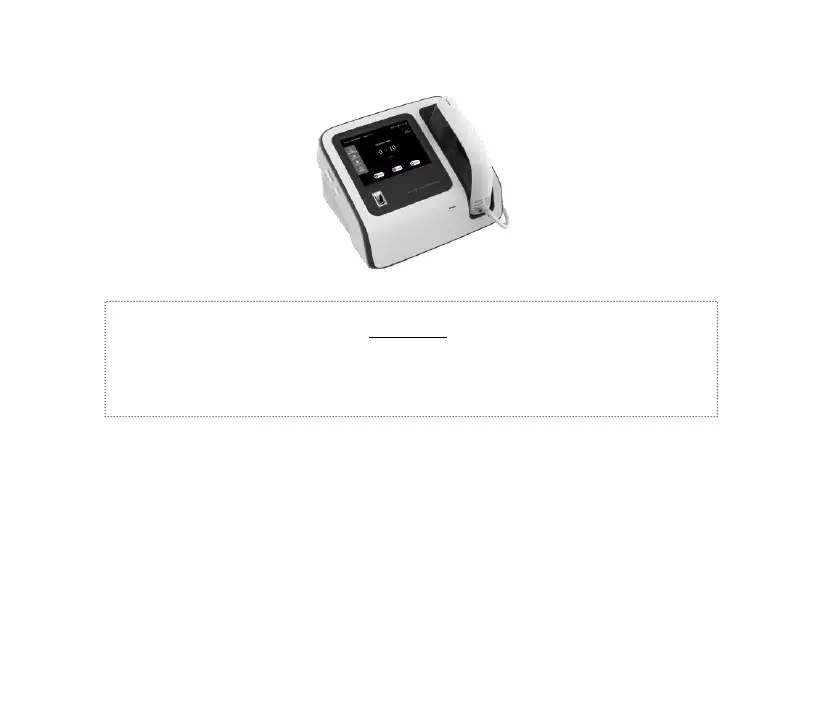
Figure 4-15
Successful calibration:
After the calibration is successful, the equipment prompts that the
calibration is complete, click “Confirm” to exit. If the prompt “Low Light
Source Intensity” is displayed, it is recommended to replace the light
source in time to avoid affecting the use.
Failed calibration:
Warning!
⚫ During the calibration process, the interface will show
“Calibrating” with voice prompt, and the equipment will have
UV light output. Attention should be paid to UV light
protection at this moment.



 To Next Page