14 |
USING THE APP
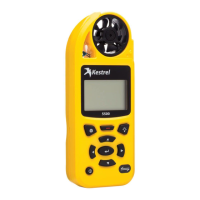
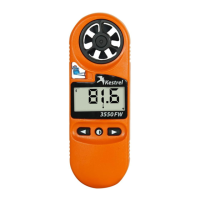
Take a snapshot from the Kestrel 3550
» First conrm that the Bluetooth symbol is
displayed on the 3550 unit. This indicates the
unit is successfully connected to the app.
» Next, be sure that the app is on the
“Realtime” screen.
» Double press the center button on the 3550.
Within 3 seconds, the App will display a
“SNAPSHOT” conrmation pop up and the
3550 will enter “Hold” mode.
The snapshot function has a delay (up to 3 seconds) between
pressing the button and recording the data when it is
initiated in the app. Taking the snapshot from the Kestrel will
give a more instantaneous measurement.
USING THE APP


 To Next Page
 Loading...