19
Memory Options
These settings control the data storage properties.
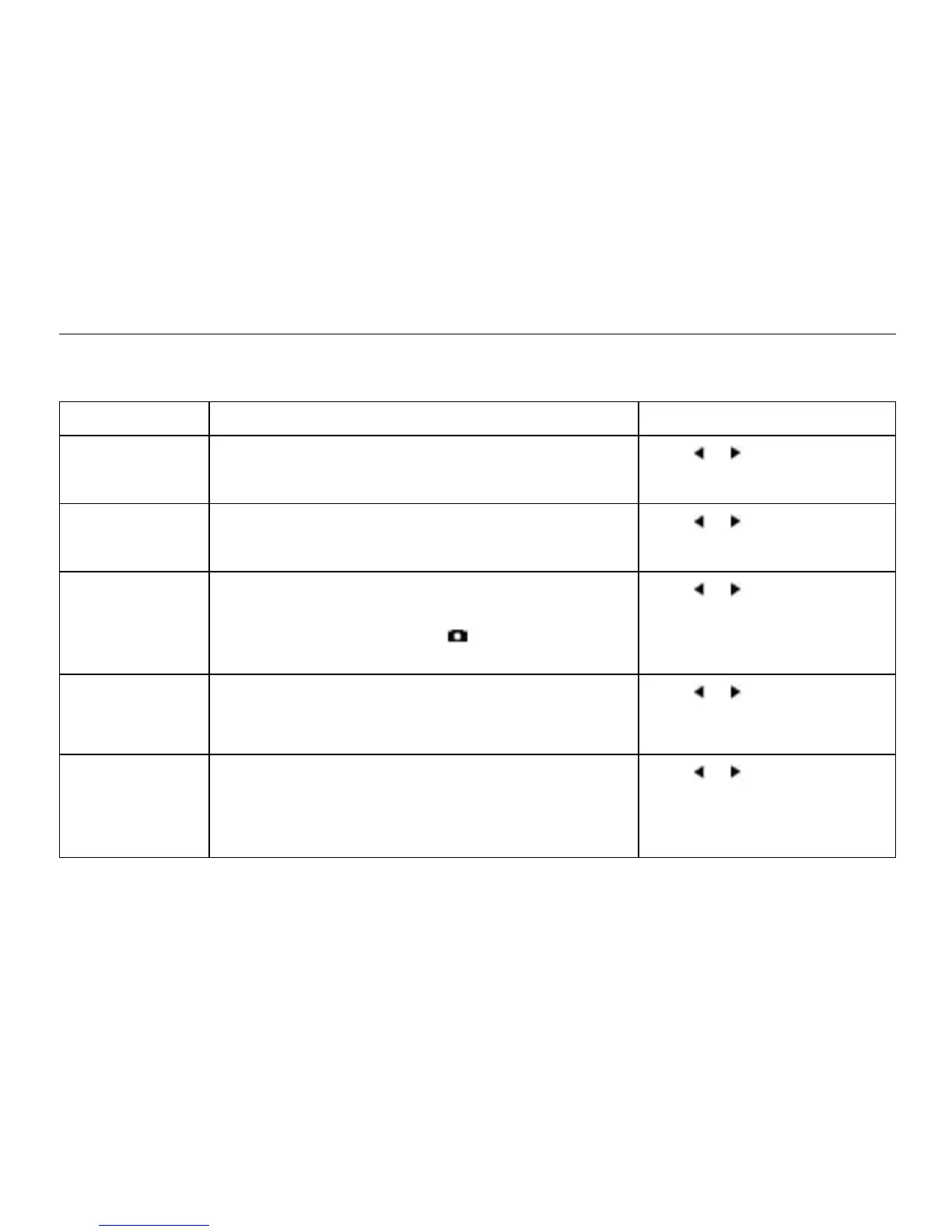
Setting Description Operation
Clear Log
(Go/Done)
All stored data is cleared. This will also clear Min/
Max/Avg data.
Press or to clear the log.
Reset MMA
(Go/Done)
All Min/Max/Avg data is cleared. Chart data will
remain intact.
Press or to clear the
MMA.
Auto Store
(On/O)
When On, data is automatically stored at preset
Store Rate. When O, data is only stored when
manually captured with the button.
Press or to toggle
between On and O.
Store Rate*
(2 sec – 12 hr)
The frequency at which data sets are automatically
stored. (Battery life may be shortened if data is
stored frequently.)
Press or to increase
or decrease Store Rate
frequency.
Overwrite
(On/O)
This setting only applies when the data log is full.
When On, oldest data point is discarded to allow
memory for the new data point. When O, new
data points are not saved.
Press or to toggle
between On and O.


 To Next Page