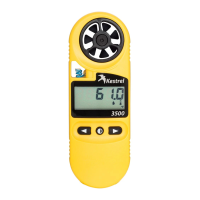
Kestrel
®
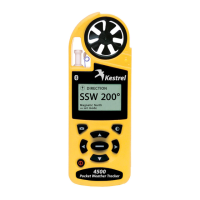
4500 Pocket Weather
®
Tracker
Man Store
(On/O)
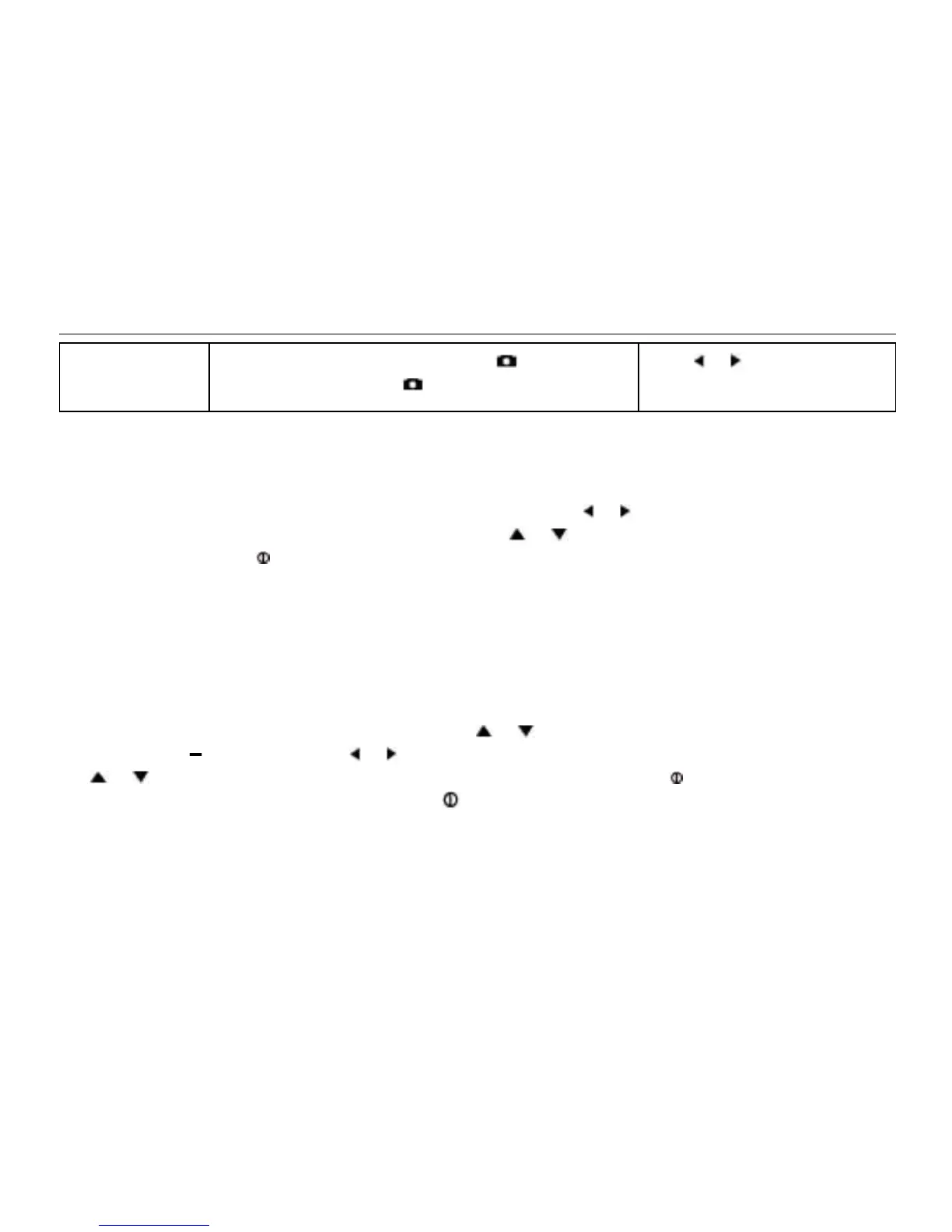
When On, data is stored when the button is
pressed. When o, the button is disabled.
Press or to toggle
between On and O.
When unit is o, data is NOT stored for 2 sec and 5 sec Store Rates.
Measurements
Measurement screens can be turned o, or “hidden” from the normal measurement navigation. For
example, if wind chill is not of interest, it can be hidden. Press the
or button to toggle between
ON and OFF for each individual measurement. Press the or button to highlight the desired
measurement. Press the button to return to the Main Setup Menu. Even when measurements are
hidden, the Kestrel Meter will continue to log data for all measurements. If you wish to see the logged
data for measurements that are hidden, simply enter the Measurement screen and turn them back on.
The data will be stored in the same manner as all other measurements, as specied in the Store Rate.
Graph Scale
These settings control the chart limits of your Kestrel Meter. Depending on the conditions, the lower
and upper limits of the chart scale may need to be adjusted in order to get the best view of the data.
Highlight the desired measurement by pressing the or button. Select the highlighted measurement
by pressing the button. Press the or button to increase or decrease the value of the limits. Press
the or button to change between the upper and lower limits. Press the button to exit and return
to the Measurement Selection screen. Press the button to return to the Main Setup Menu.
Units
The units of measure can be adjusted to best suit the application. The following units are available:


 To Next Page