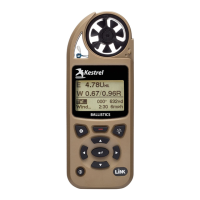
13
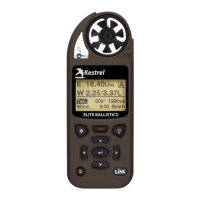
Note! Unless specied, all ballistics related functions
are to be accessed with the Kestrel in Ballistics Mode.
Features found in Easy Mode are called out specically.
For ease of access, the ballistics Targeting Screen also
contains the Ballistics Menu. Simply scroll down from the
Targeting Screen to access these settings and submenus:
» Target
» Wind
» Gun
» Environment
» Ballistics
» Manage Guns
Note! The back of this guide contains a full Glossary of the terms used.
Please read these denitions!
CREATE OR EDIT A GUN PROFILE:
» Scroll to and select Manage Guns. Either select an
existing gun to edit or select New Gun.
» Scroll up and select Gun to rename the gun. Use the
scroll/adjust buttons to enter a new name, then exit
the naming menu.
» Set the remaining values in the Gun sub menu to
match your gun, bullet and scope combination.
» Exit to the Manage Guns menu and ensure the new
gun is set to On.
CREATING GUN & BULLET PROFILES
EDIT TARGET:
» Scroll to and select Tgt.
» Set range, angle, target speed, and wind values to
match your target.
CREATING TARGETS


 To Next Page