8
Most system-wide and weather setup options are accessed
from the main Options menu by pressing the
button
from any Weather Measurement Screen or the main
Targeting Screen.
• MODE
• BLUETOOTH
» Bluetooth On/O
» Conct
• DATA PORT
• MEMORY OPTIONS
» Clear Log
» Auto Store
» Store Rate
» Overwrite
• GRAPH SCALE
• DISPLAY
» Auto Shutdown
» Contrast
» Backlight
• SYSTEM
» Time & Date
» Compass Cal
» Measurements
» Units
» Lang
» Batt
» Factory Restore
• ABOUT
» Version
» Legal
KESTREL OPTIONS MENU
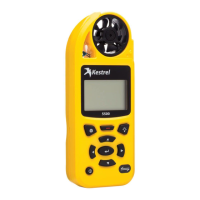
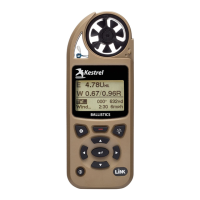
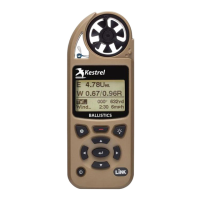
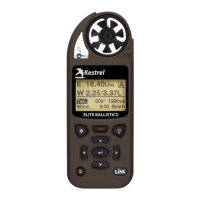
Your Kestrel Ballistics Weather Meter is both a
complete weather meter AND an advanced
ballistics calculator. You must select either Weather
Mode or Ballistics Mode depending on the functions
you desire:
» Weather Measurements, History and Data Logs are
accessed in Weather Mode.
» The Targeting Screen and all ballistics settings
(Target, Wind, Gun, Environment, Range Card,
Ballistics, Manage Guns) are accessed in Ballistics
Mode.
HOW TO SELECT THE OPERATING MODE:
» Select Mode under the Options Menu.
» Set Mode to Weather or Ballistics.
NOTE! You can also “jump” between modes by pressing the
BACKLIGHT button twice quickly. You will enter Weather Mode at
the last Measurement Screen used, making it convenient to take
advanced wind averaging measurements, for example.
KESTREL OPERATING MODES
Shop for Quality products online at:
1.800.561.8187
www.SCOUTBASECAMP.ca


 To Next Page