9
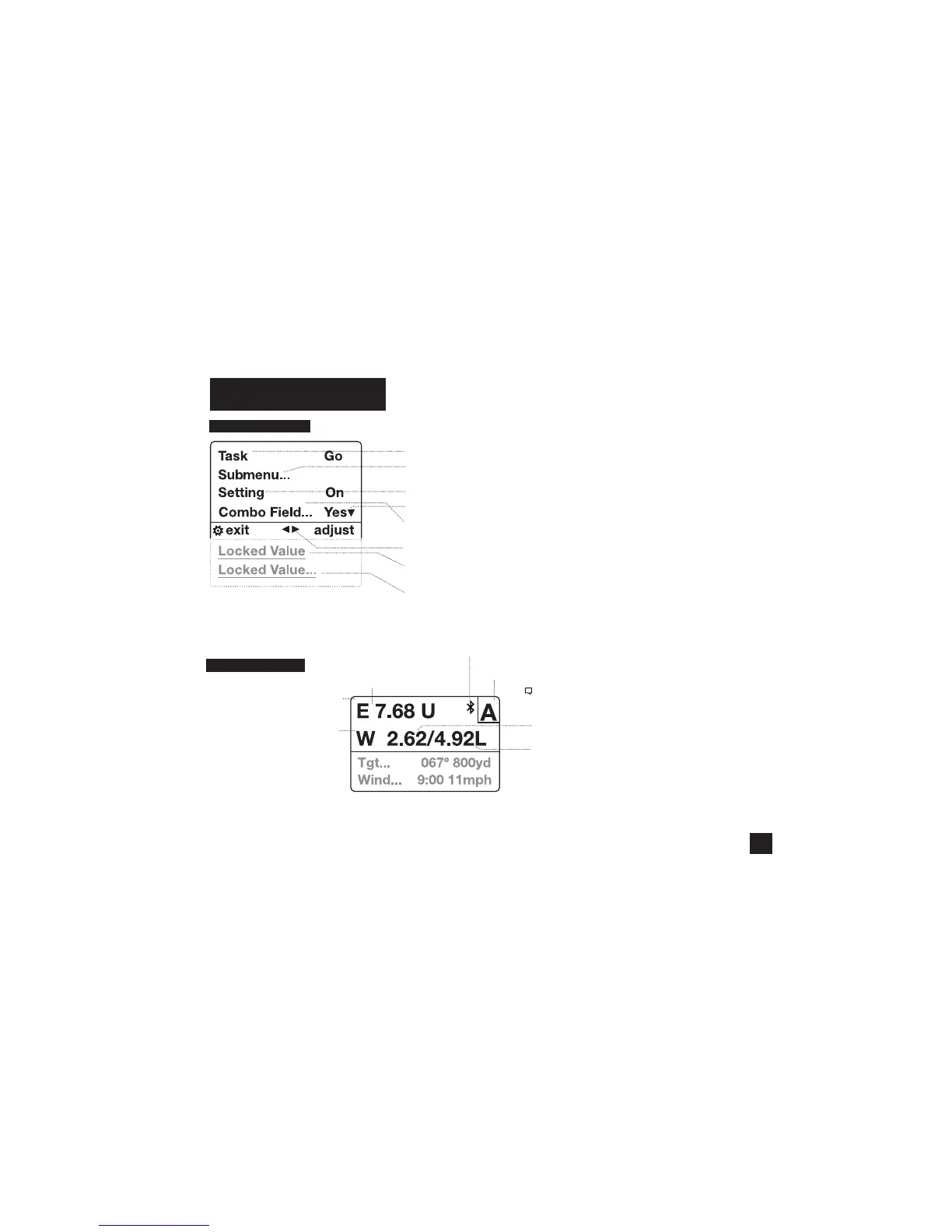
KESTREL MENU NAVIGATION
TYPES OF MENU ITEMS
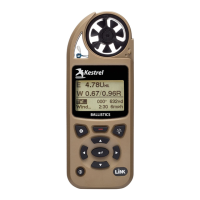
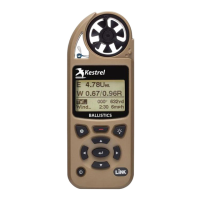
TARGETING SCREEN
Note! The Windage Adjustment provides two values
creating a wind prole bracket based on a 5 second
rolling average shown.
Windage solution based on the average wind speed.
Shown on Range Card as Wnd1.
Windage solution based on the maximum wind speed.
Shown on Range Card as Wnd 2.
* Range Card available on Elite Model only.
SCOPE ELEVATION ADJUSTMENT
(U=Up/D=Down)
SCOPE WINDAGE ADJUSTMENT
(L = Left, R = Right)
Targeting Screen
Active Target (Elite Model only)
Bluetooth ® Connection Status
» Tasks are executed by highlighting the eld and pressing Select.
» The presence of a submenu is indicated by a “…” following a eld.
» Highlight the eld and press Select to enter a submenu.
» Adjust the value of a Combo Field by pressing left or right.
» Enter the Combo Field sub menu by pressing select.
» Adjust a setting by pressing left or right.
» An arrow indicates there are additional elds o screen.
» Locked values are either driven by another value or cannot be edited on
the current screen.
» Locked values may have submenus which are entered by pressing select.
» Navigation buttons indicate available actions on the current screen.
Shop for Quality products online at:
1.800.561.8187
www.SCOUTBASECAMP.ca


 To Next Page