Option 3: Control via professional control system
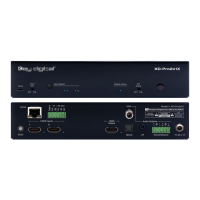
KD-PS42 allows control over serial interface for bi-directional communication.
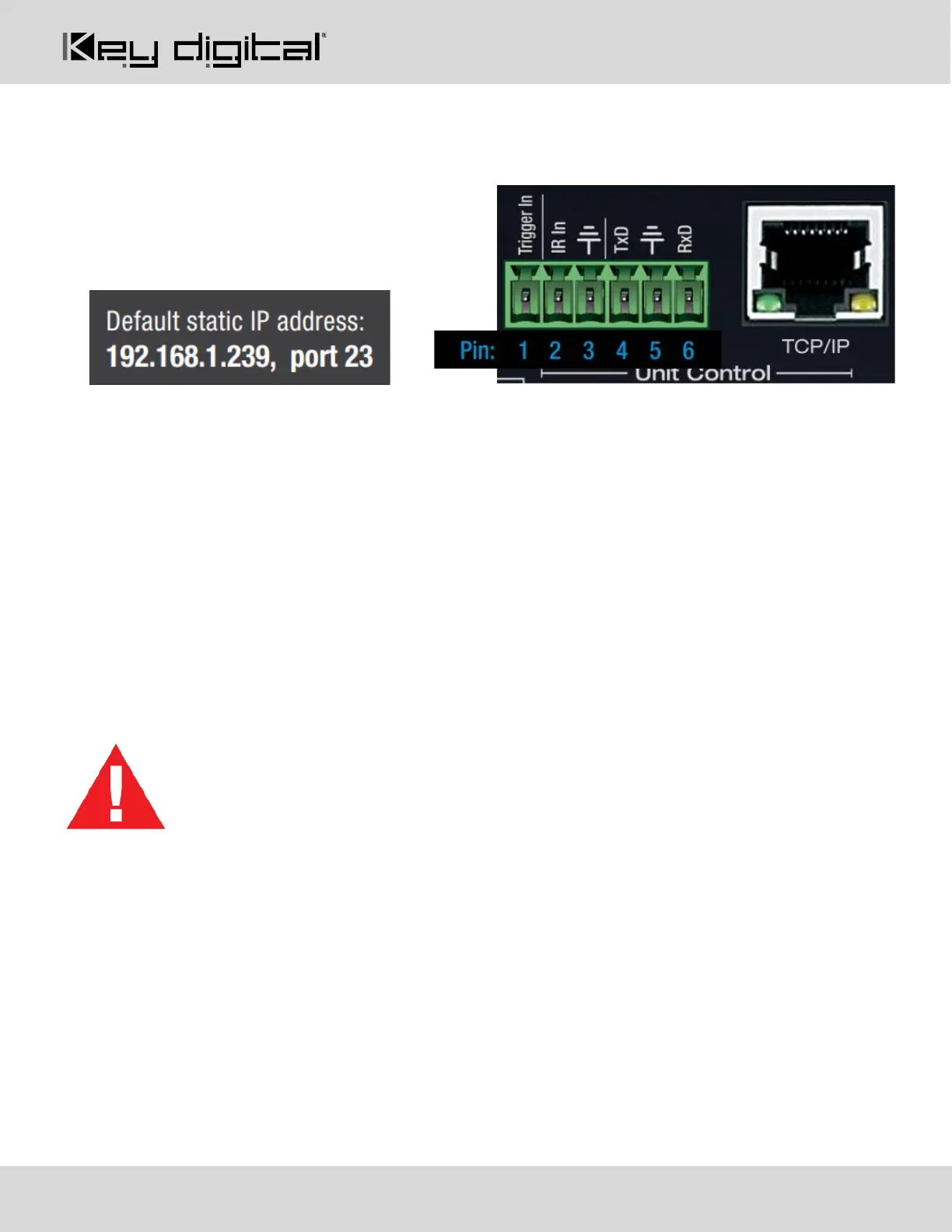
• For RS-232 control use pins 4, 5, and
6 of the Unit Control port
• For TCP/IP control the default static IP
address is 192.168.1.239, with port 23
• For the past 10 years, most Key Digital matrix switches have supported a standard audio + video
switching command. KD-PS42 is also controllable by this command, so if you have previously integrated
Key Digital matrixes by third-party control systems you may have success using the same
driver/module.
a. Switching Video + Audio together (two commands supported)
i. SPO01SIyy yy = input number (01-05)
ii. SPOSIyy yy = input number (01-05)
b. Display CEC On / Off
i. SPOxxTVy xx = output number (01-02), y = ON or OFF
• See the TCP/IP and RS-232 Commands section for full command set.
Test for proper operation of the unit and cables in your system before permanently securing the
unit for final installation. Ensure that you leave enough ventilation space to provide sufficient
airflow and cooling


 To Next Page