Option 2: Control via KD-App, KDMS Pro™
KD-UPS52U is controllable by Key Digital’s user-friendly iOS App (downloadable
in the App Store) or Key Digital® Management Software™ (downloadable here).
1. Connect and Configure your KD-UPS52U as described in this Connect &
Configure sections
2. Download and open KD-App and/or KDMS™
3. Ensure the iOS device and/or PC computer are on the same network with
KD-UPS52U
4. Perform a network scan in the KD-App/KDMS™
5. Select and control the selected KD-UPS52U To enter KDMS Pro end-user
mode, key CTRL + ALT + N after selecting the unit in the devices tree.
Option 3: Control via professional control system
KD-UPS52U allows control over serial interface for bi-directional communication.
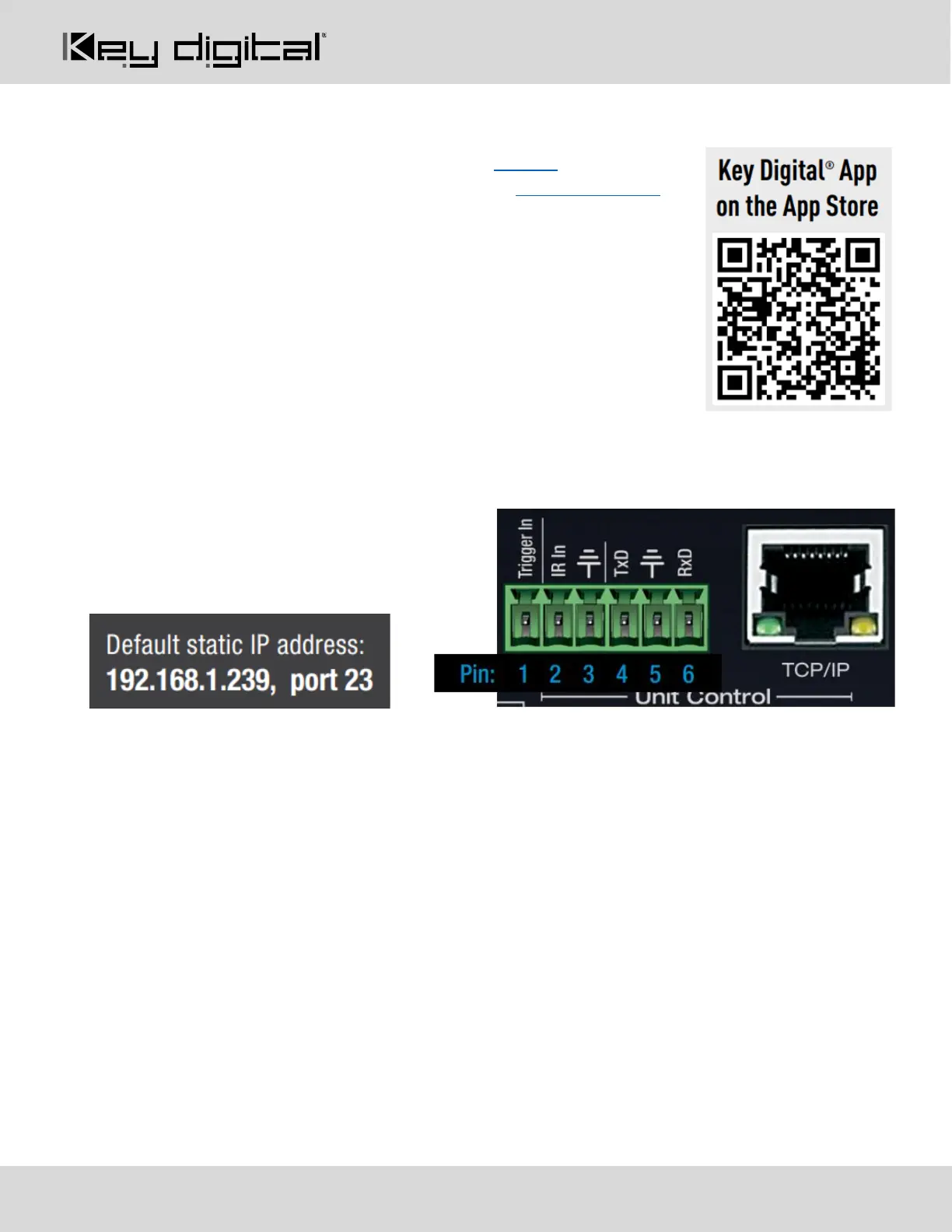
• For RS-232 control use pins 4, 5, and
6 of the Unit Control port
• For TCP/IP control the default static IP
address is 192.168.1.239, with port 23
• For the past 10 years, most Key Digital matrix switches have supported a standard audio + video
switching command. KD-UPS52U is also controllable by this command, so if you have previously
integrated Key Digital matrixes by third-party control systems you may have success using the same
driver/module.
a. Switching Video + Audio together (two commands supported)
i. SPO01SIyy yy = input number (01-05)
ii. SPOSIyy yy = input number (01-05)
b. Display CEC On / Off
i. SPOxxTVy xx = output number (01-02), y = ON or OFF
• See the TCP/IP and RS-232 Commands section for full command set.



 To Next Page