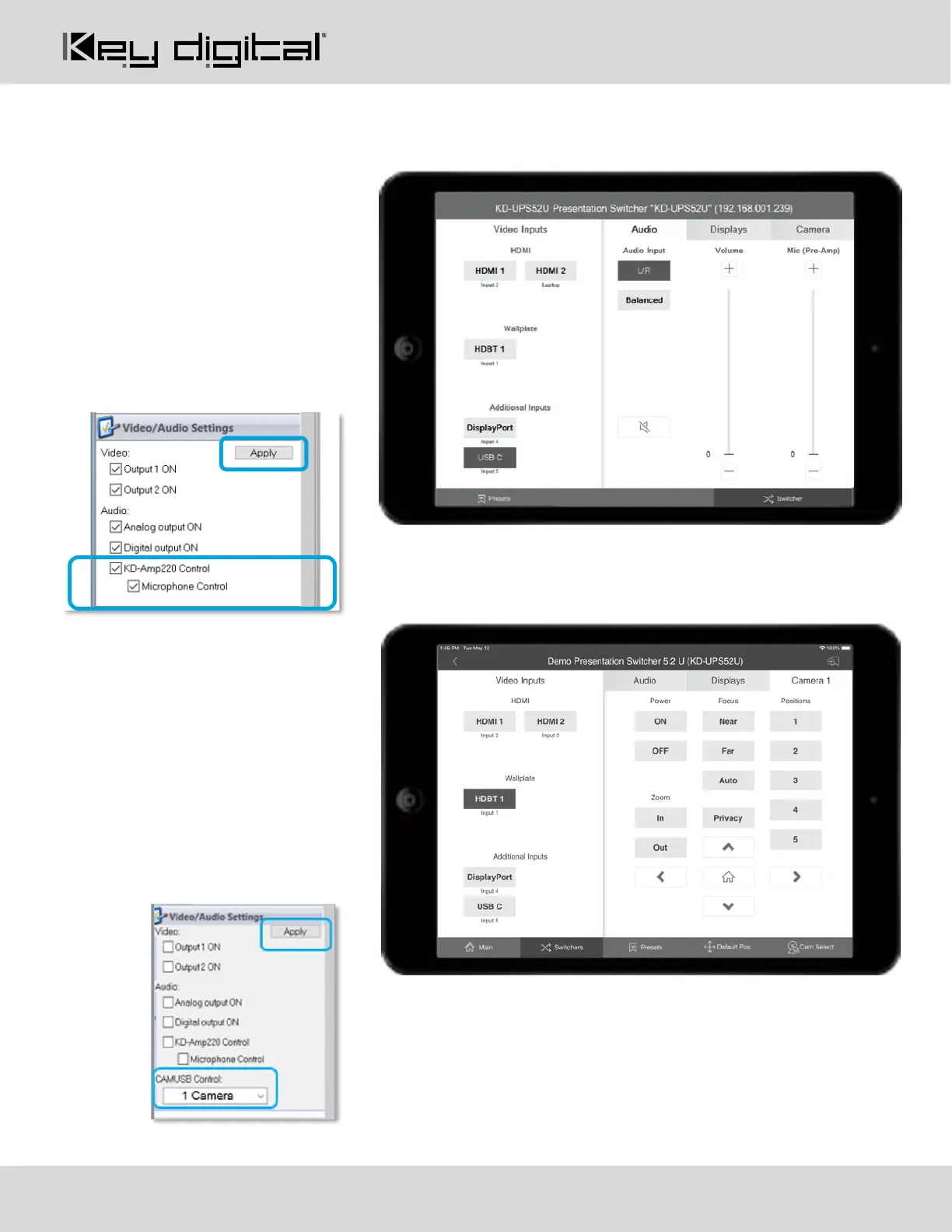
Audio Control
With KD-Amp220 control mode
activated, the Audio control page may
be entered, offering speaker volume
and mute, microphone mix level
(optional), and KD-Amp220 source
selection.
Enable Microphone Control in KDMS
Pro to make the Mic mix level controls
visible.
Camera Control
With KD-CamUSB control mode
activated, the Camera control page
may be entered for pan, tilt, zoom,
power, preset calling and preset
creation.
Up to 7 KD-CamUSB cameras may be
controlled, with the camera selection
button on the bottom-right corner of the
screen.



 To Next Page