MA24 ELECTRIC CONNECTIONS
SHIELD Antenna - shield -
ANT Antenna - signal -
COM Common for FLASH, LED, SEN inputs / outputs
FLASH Flashing light output 24Vdc (without regulation) maximum 25W
LED
Courtesy light output 24Vdc (without regulation) maximum 15W (radio channel 4 selecting
COURTESY LIGHT START =
2,
COURTESY LIGHT TIME = 0 )
SEN Ambient light sensor input
COM IND output common
IND Gate open warning light output, 24Vdc (without regulation) maximum 4W
COM ELEC output common
ELEC Electric lock output 12Vac, maximum 15VA
EDGE/EDGE Sensitive edge output, NC contact or resistive 8k2
COM STOP output common
STOP
Safety STOP NC contact between STOP and COM. This input is considered as a safety device; the contact may be
broken at any time, cutting out the automation at once and disabling all functions, including automatic closure
NEG Photocell power supply negative output
PH-POW Photocell power supply positive output, 24Vdc (without regulation, maximum 250mA
PH1
Photocells (closure), NC contact between PH1 and COM. The photocell is tripped at any time during closure of the
automation, stopping movement at once and reversing the travel direction
PH2
Photocells (opening), NC contact between PH2 and COM. The photocell is tripped at any time during opening and
closure of the automation, stopping movement at once; the automation will continue opening when the contact is
restored if it was opening, or continue closing if it was closing (see parameter “PHOTO 2”)
COM Common for PED, OPEN, CLOSE and SBS outputs
PED
PEDESTRIAN opening command, NO contact between PED and COM.
the software setting
Used to open the gate partially, depending on
OPEN
OPEN command, NO contact between OPEN and COM. Contact for the opening function
CLOSE
CLOSE command, NO contact between CLOSE and COM. Contact for the closing function
SBS
STEPPING command, NO contact between SBS and COM.
Open/Stop/Close/Stop command, or as set in the software
Using customize the display programmer
To customize the programmer’s language and contrast, proceed as follows:
prompted to select the language. Press or to select the
If no language is selected (X key pressed), the control unit will
use the default language (ENGLISH) until the next time it is
switched on.
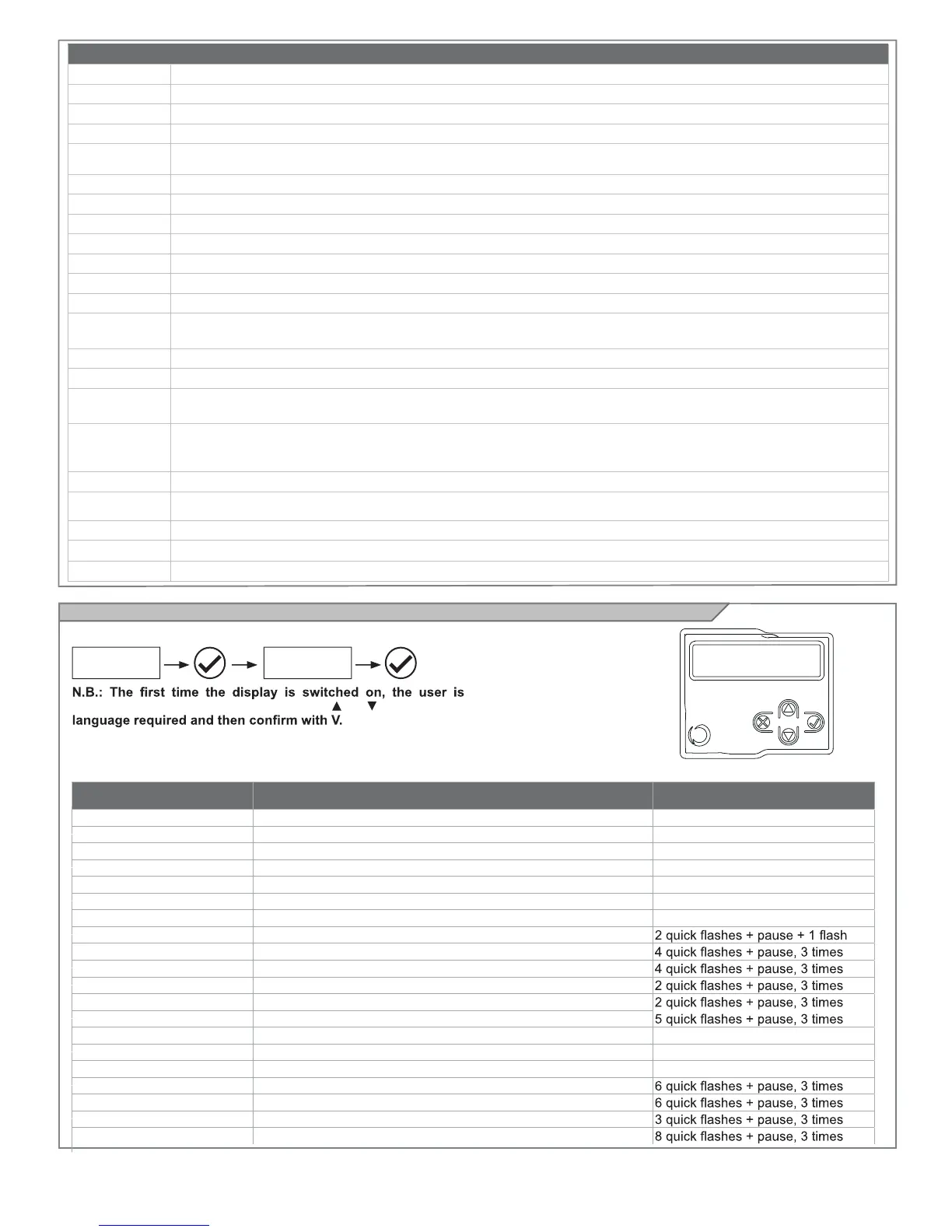
EVENT DESCRIPTION
KEY TO MAIN CONTROL FLASHING
LIGHT AND LEDS
opening Gate opening
closure Gate closing
automatic closure Gate open with timed reclosure active
stop during closure Gate stopped during closure
stop during opening Gate stopped during opening
open Gate completely open without automatic reclosure
closed Gate completely closed
programmation during the programming phase
M1 obstacle Motor 1 obstacle detected
M2 obstacle Motor 2 obstacle detected
photo 1! Photocell 1 tripped
photo 2! Photocell 2 tripped
sensitive edge! Sensitive edge tripped
pedestrian opening Pedestrian opening in progress
automatic pedestrian closure Gate opening to pedestrian position with timed reclosure activated
realignment Realignment after a manual release
FLASH/NLS error Night Light System line overload
ELEC/IND error Electric lock / gate open light line overload
Phototest error Phototest error detected
Limit switches error! Limit switch/mechanical end stop error detected
OPTIONS
DISPLAY
SELECT
LANGUAGE
CONFIRM
SCROLL UP
SCROLL DOWN
CANCEL
In normal mode, i.e. when
the system is powered up
normally and the display
programmer is connected,
press X until the name KEY
AUTOMATION appears. This
will display the following
status messages.
15



 To Next Page