FURTHER DETAILS
Customizing the system - ADVANCED SETTINGS
If necessary, users may select the ADVANCED SETTINGS, which
Proceed as follows:
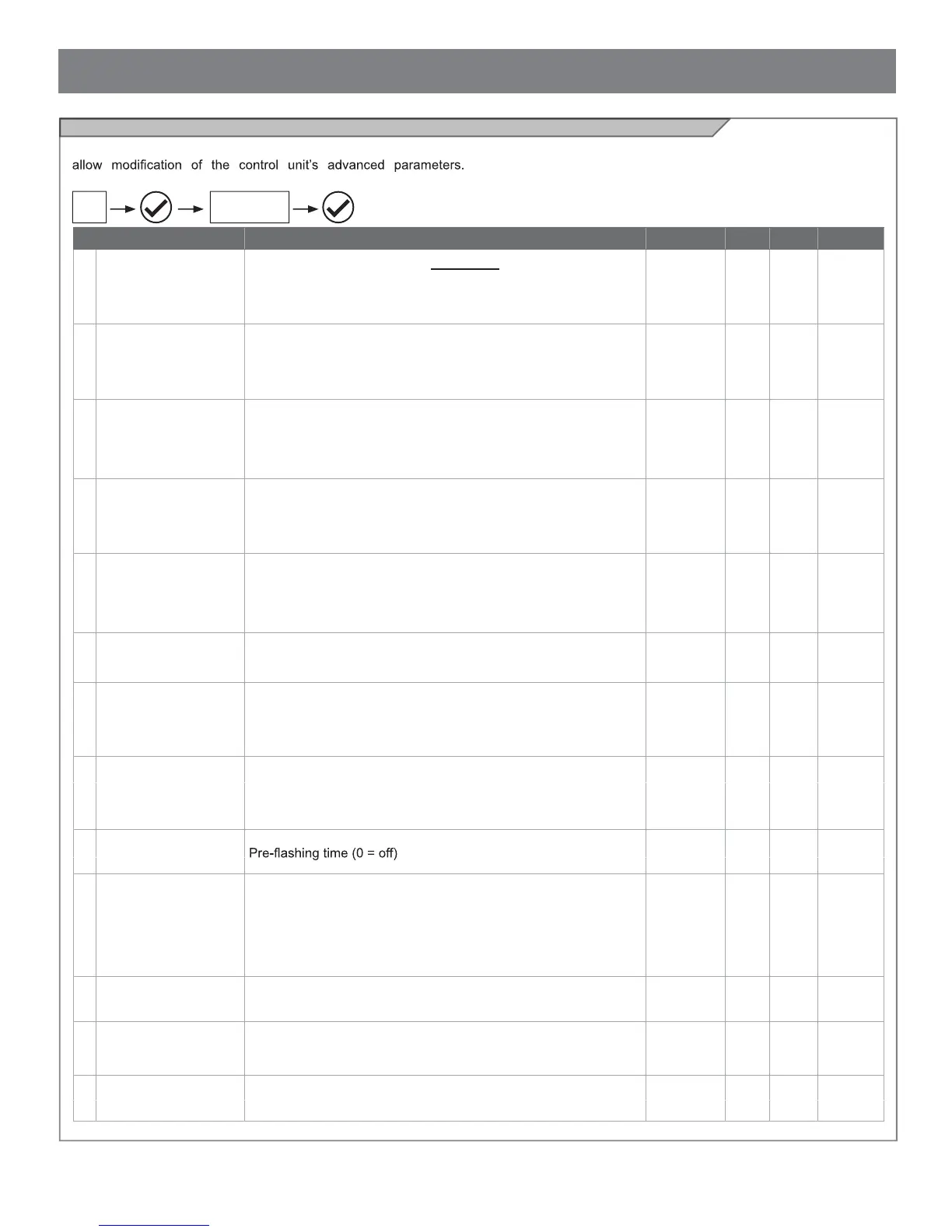
PARAMETERS DESCRIPTION DEFAULT MIN. MAX. UNIT
1
PHOTO 1
Use of PHOTO1 when starting from closed
0 = PHOTO 1 deactivated
1 = PHOTO1 is checked
2 = the gate starts even with PHOTO1 activated
2 0 2
2
PHOTO 2
Use of PHOTO2
0 = PHOTO 2 deactivated
1 = enabled during both opening and closing OP/CL
2 =only enabled during opening OP
1 0 2
3
PHOTOTEST
Photo-device test
0 = off
1 = PHOTO1 on
2 = PHOTO2 on
3 = PHOTO1 and PHOTO2 on
0 0 3
4
EDGE TYPE
Sensitive edge type
0 = off
1 = 8k2 sensitive edge
2 = NC contact
2 0 2
5
SAFETY EDGE
Sensitive edge tripping mode
0= only tripped during closure with direction reversal
1 = stops the automation (during both opening and closure) and
retreats from the obstacle (travels short distance in opposite
direction)
0 0 1
6
PEDESTRIAN OPENING
LENGTH
Pedestrian opening 50 30 100
% (step
of 1)
7
AUTOMATIC CLOSING
FROM PEDESTRIAN
OPEN
Time for automatic closure from pedestrian opening (0=off)
1 to 900 Seconds of delay before automatic closure from
pedestrian opening
0 0 900 s
8
FLASH LIGHT
Flashing light output setup
0 = Fix
1 = Flashing
1 0 1
9
PRE-FLASHING
0 0 20 s
10
COURTESY LIGHT
START
Courtesy light setup
0 = ON at end of operation for courtesy light time
1 = ON if gate not closed + courtesy light duration time at end of
operation
2 = ON if courtesy light timer has not gone out since start of
operation
0 0 2
11
COURTESY LIGHT
TIME
Courtesy light duration time (0 = off) 30 0 900 s
12
LIGHT INTENSIVITY AT
END OF MOVEMENT
0 = light off after operation
5 = maximum brightness with motor stopped
2 0 5
13
STOP BUTTON
0 = NC stop button not connected
1 = NC stop button connected
1 0 1
14A
ADVANCED
SETTINGS
CAUTION: the parameters may vary with respect to those in the
table below, depending on the motor to be installed.
26



 To Next Page