Getting Started 1
E364xA User’s and Service Guide 25
The E364xA power supplies have two ranges, allowing more voltage at a lower
current or more current at a lower voltage. The output range is selected from the
front panel or over the remote interfaces.
Operational features
– Dual output dual range
– Constant voltage (CV) or constant current (CC) operation
– Overvoltage protection (OVP)
– Five storage locations (1 to 5) for user- defined operating states
– Automatic turn-on self-test
– Remote sense at rear panel terminals
– User calibration from the front panel or over the remote interfaces
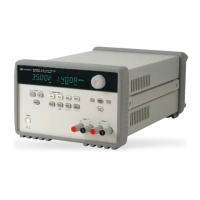
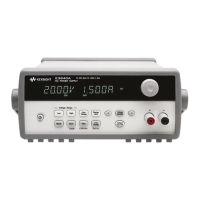
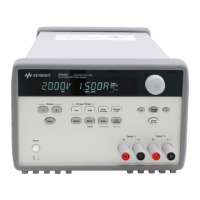
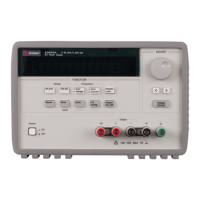
Front panel operations
– Easy-to-use control features
– Output (1 or 2) and output voltage range selection
– Enabling or disabling OVP
– OVP trip level setting and condition clearing
– Setting and displaying the voltage and current limit values
– Storing or recalling the operating state
– Resetting the power supply to the power-on state
– Returning the power supply to the local mode from the remote mode
– Retrieving or scrolling error messages on the display
– Changing the display mode (V-V, I-I, or V-I display)
– Viewing the errors, calibration string, or system firmware revision
– Enabling or disabling the Tracking mode
– Calibrating the power supply, including changing the calibration secure code
– Configuring the remote interface
– Enabling or disabling the output



 To Next Page