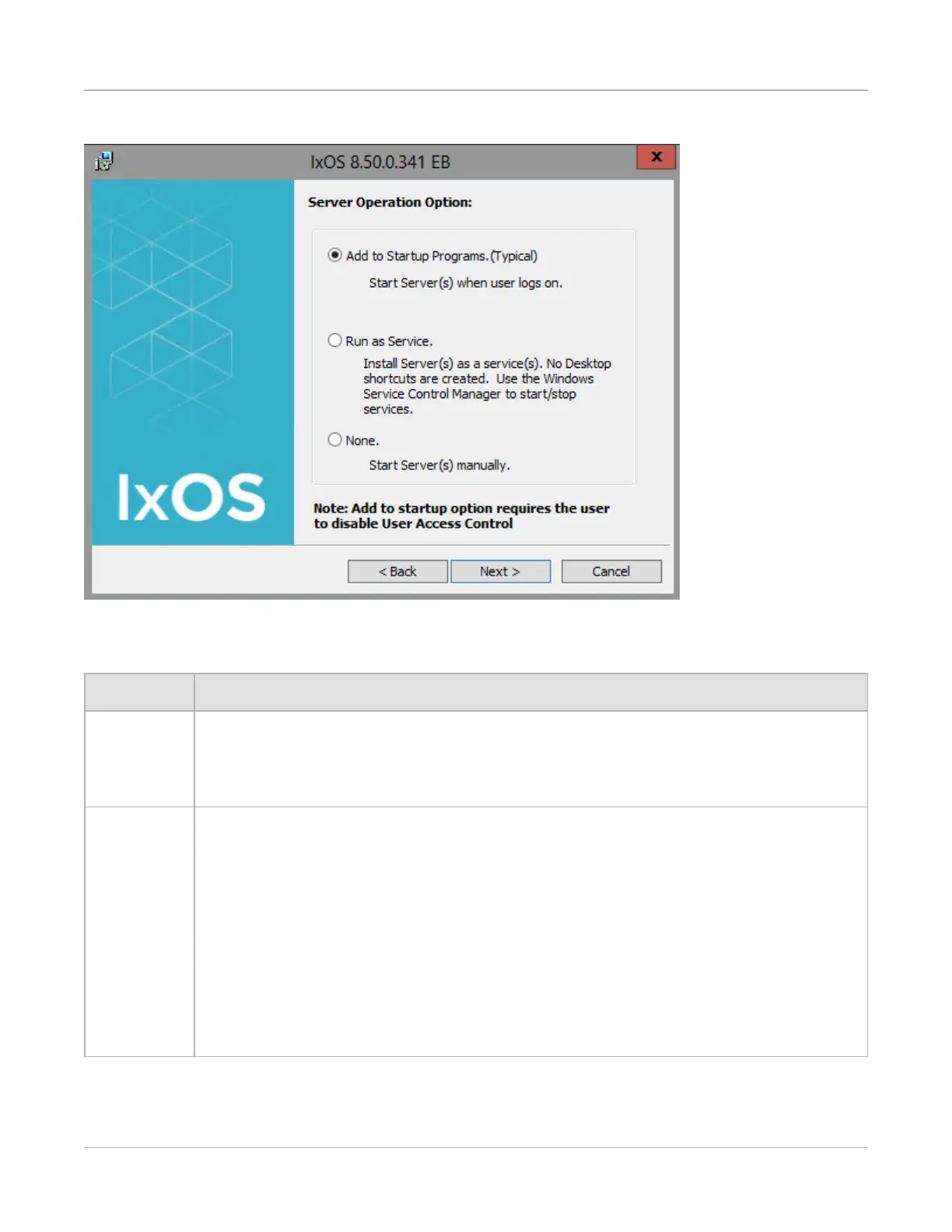
Figure: Server Operation Option dialog box
The options in this dialog box are described in Table : Server Options.
Option Function
Add to
Startup
Programs
(Typical)
If this option is selected, the server computers are part of the Windows Startup
Programs and run automatically on Windows start up. The normal User Interface (UI)
is provided, with the appropriate desktop icons.
Run as
Service
If this option is selected, the server computers run as a Windows service. There are
no desktop icons, and no UI. The server computers starts automatically with
Windows.
To stop a server computer, use the Windows Service Control Manager (right-
click the My Computer icon, select Manage, and then Services). From there, you
can disable or enable the server (IxServerService.)
For IxServer configuration, the service must be stopped and the UI opened through
the Ixia folder in the Start Menu. The server computer cannot be configured while
running as a service.
IxServer can be monitored using it’s log file, which is located at C:\Program
Files\Ixia.
Table : Server Options
Chapter 2 Installation
– 54 –



 To Next Page