Security Features and Document of Volatility
Using Secure Display
25
7 Using Secure Display
This function prevents unauthorized personnel from reading the instrument
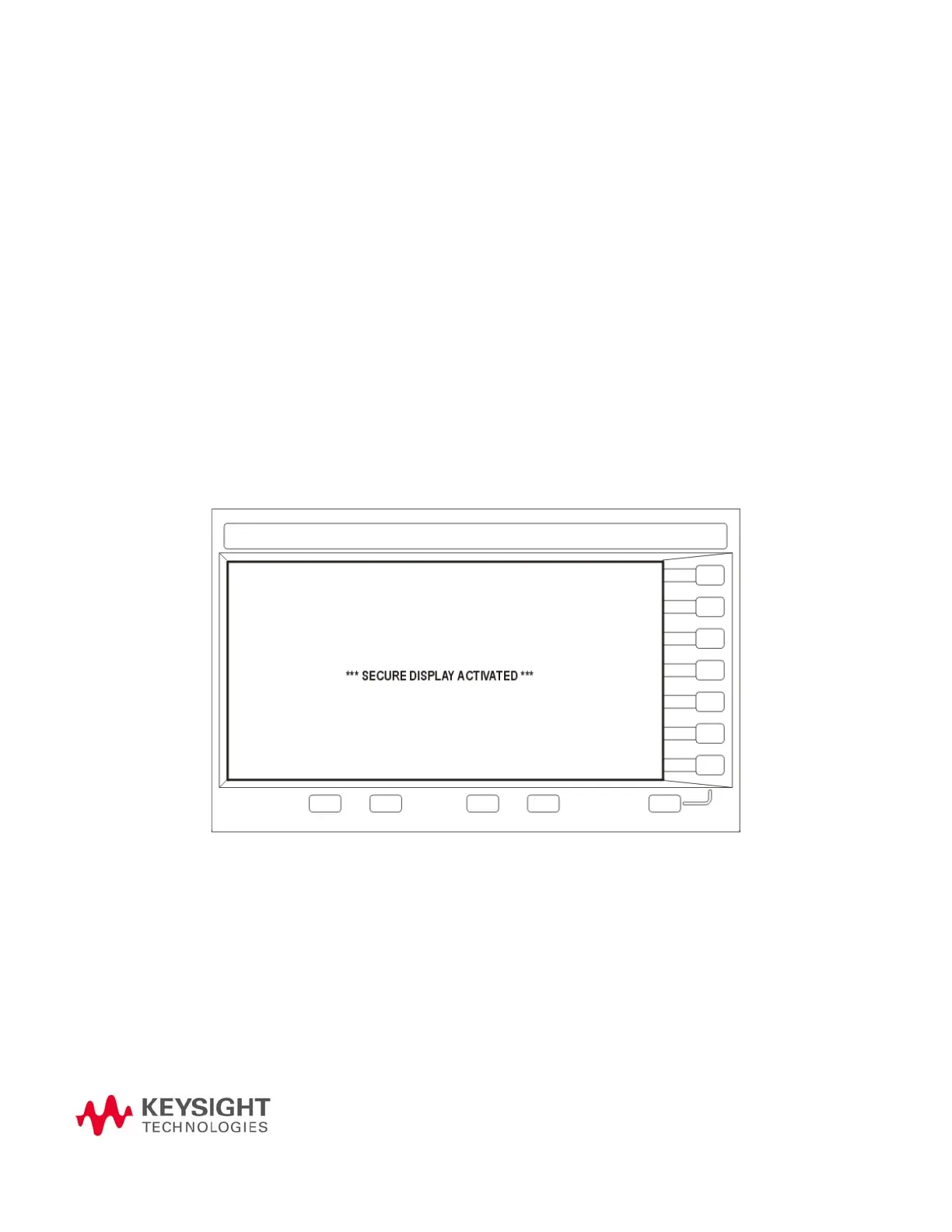
display or tampering with the current configuration via the front panel. When
Secure Display is active, the display is blank, except for an advisory message,
as shown in Figure 7-1 below. All front panel keys are disabled.
To set Secure Display, press: Utility > Display > More >
Activate Secure Display > Confirm Secure Display
Once Secure Display has been activated, the power must be cycled to
re-enable the display and front panel keys.
Figure 7-1 Signal Generator Screen with Secure Display Activated



 To Next Page