Features of your vehicle
4285
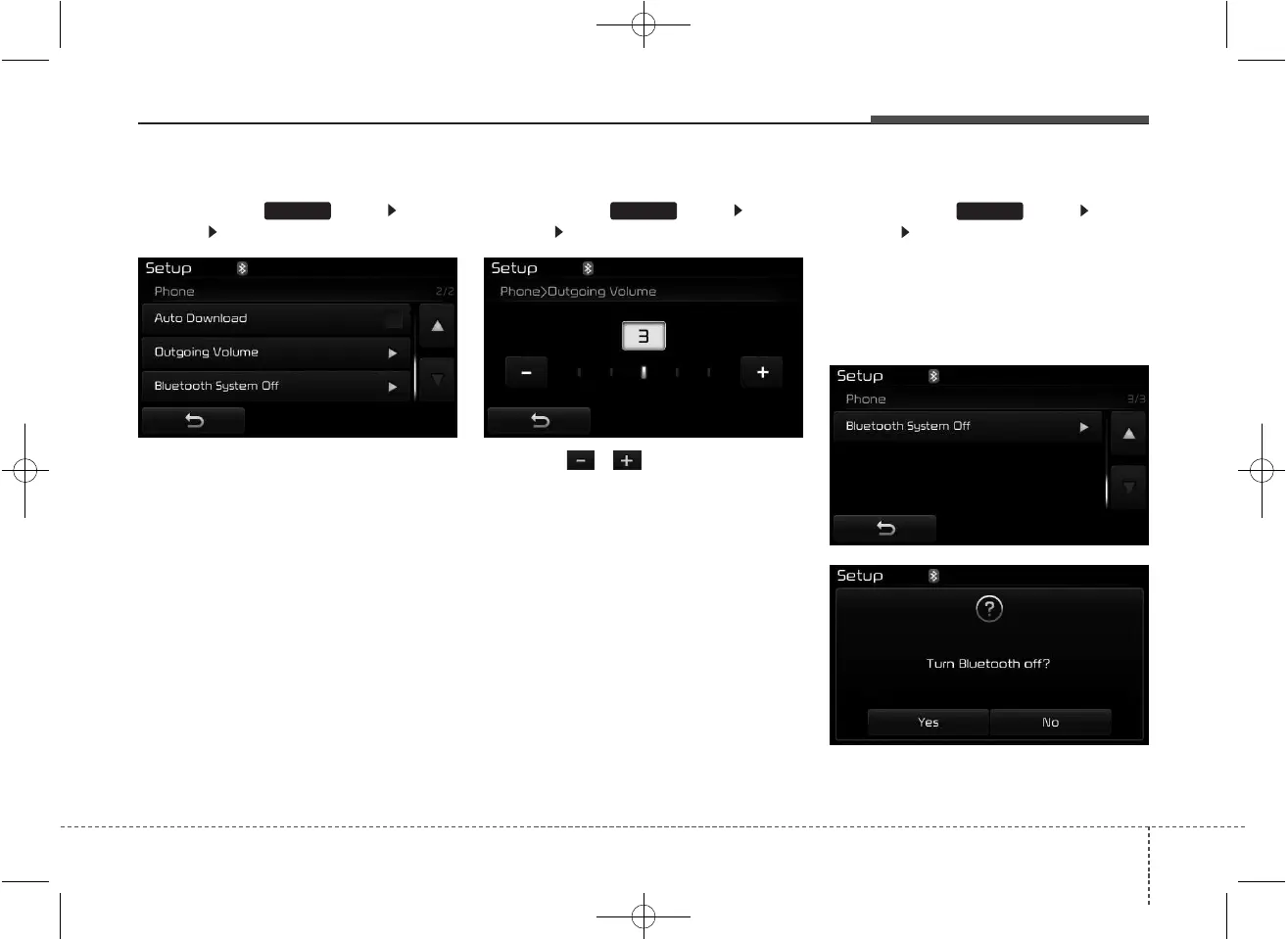
Auto Download (Phone Book)
Press the key Select
[Phone] Select [Auto Download]
This feature is used to automatically
download mobile phone book entries
once a
Bluetooth
®
Wireless Technology
phone is connected.
✽✽
NOTICE
• The Auto Download feature will
download mobile phone book
entries every time the phone is
connected. The download time
may differ depending on the num-
ber of saved phone book entries
and the communication state.
• When downloading a phone book,
first check to see that your mobile
phone supports the phone book
download feature.
Outgoing Volume
Press the key Select
[Phone] Select [Outgoing Volume]
Use the , buttons to adjust
the outgoing volume level.
Turning Bluetooth System Off
Press the key Select
[Phone] Select [Bluetooth System
Off]
Once
Bluetooth
®
Wireless Technology
is turned off,
Bluetooth
®
Wireless
Technology related features will not
be supported within the audio system.
SETUP
SETUPSETUP



 To Next Page