Navigation Guide:
Trac Management (Live Trac) Guide:
Initial Setup
1. Press Nav button to get access the Navigation Menu
Screen
2. Press More… to enter the navigation setup menu
3. Press Trac tab
4. Make sure Trac Receiver item is enabled
(default: on)
5. Press Detour to open detour menu
6. To receive conrmation of a detour route (if there is
a signicant trac delay) enable Do you want to
conrm the oered route? item
7. If Do you want to conrm the oered route?
is not enabled, system will select the best route
with possible avoidance of trac event without
notication
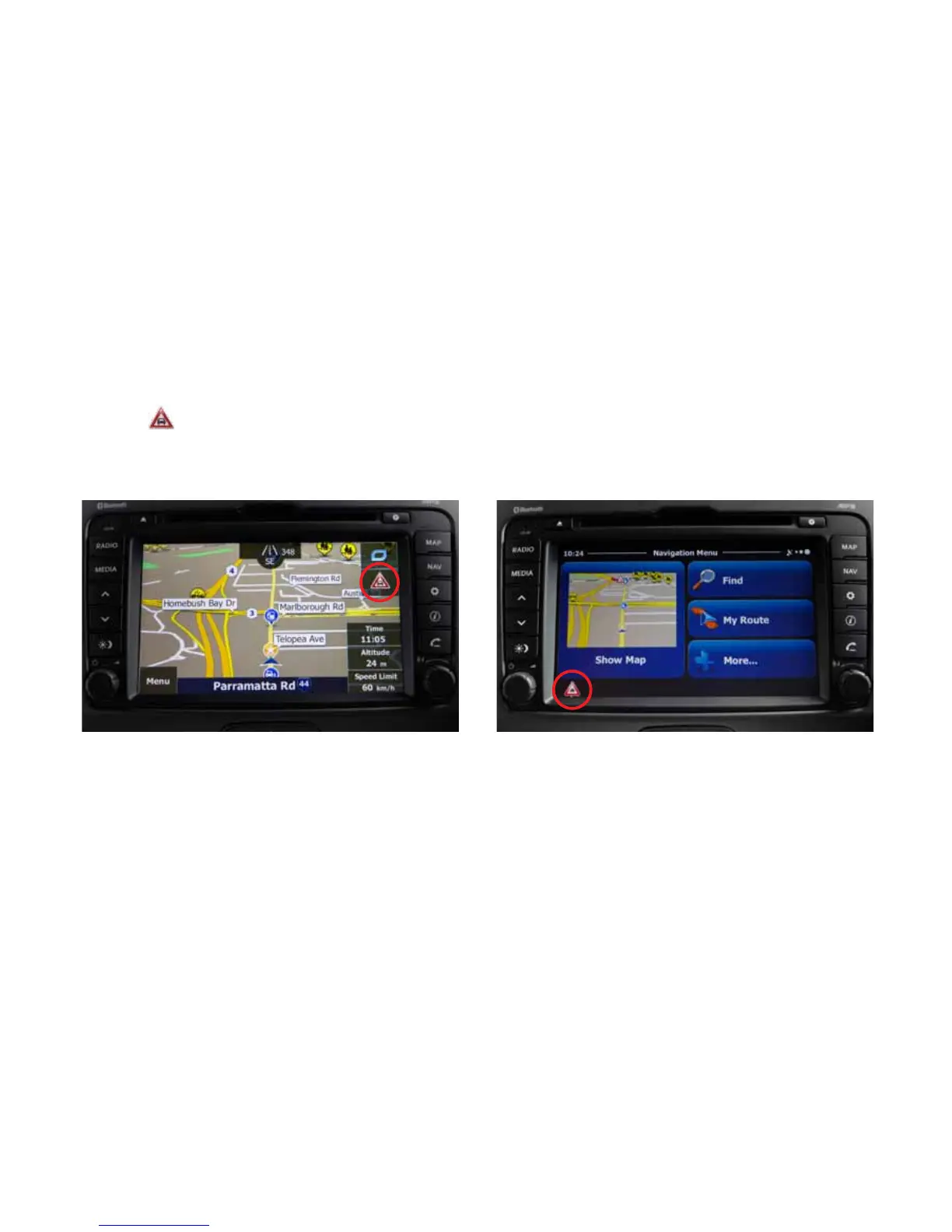
On map screen (no destination set)
1. Press will open the trac information screen
2. Select Event List to see all the trac incidents
happening around the area



 To Next Page