Navigation Guide:
On map screen (destination set)
1. If there are no trac incident(s) along the
route, then the same icon appears and pressing
will open the trac information screen
2. If there are trac incident(s) along the route, then
the icon of most immediate event is displayed (with
approx. time delay).
Trac event icons:
: Trac congestion, : Road works/blocks,
: Accident
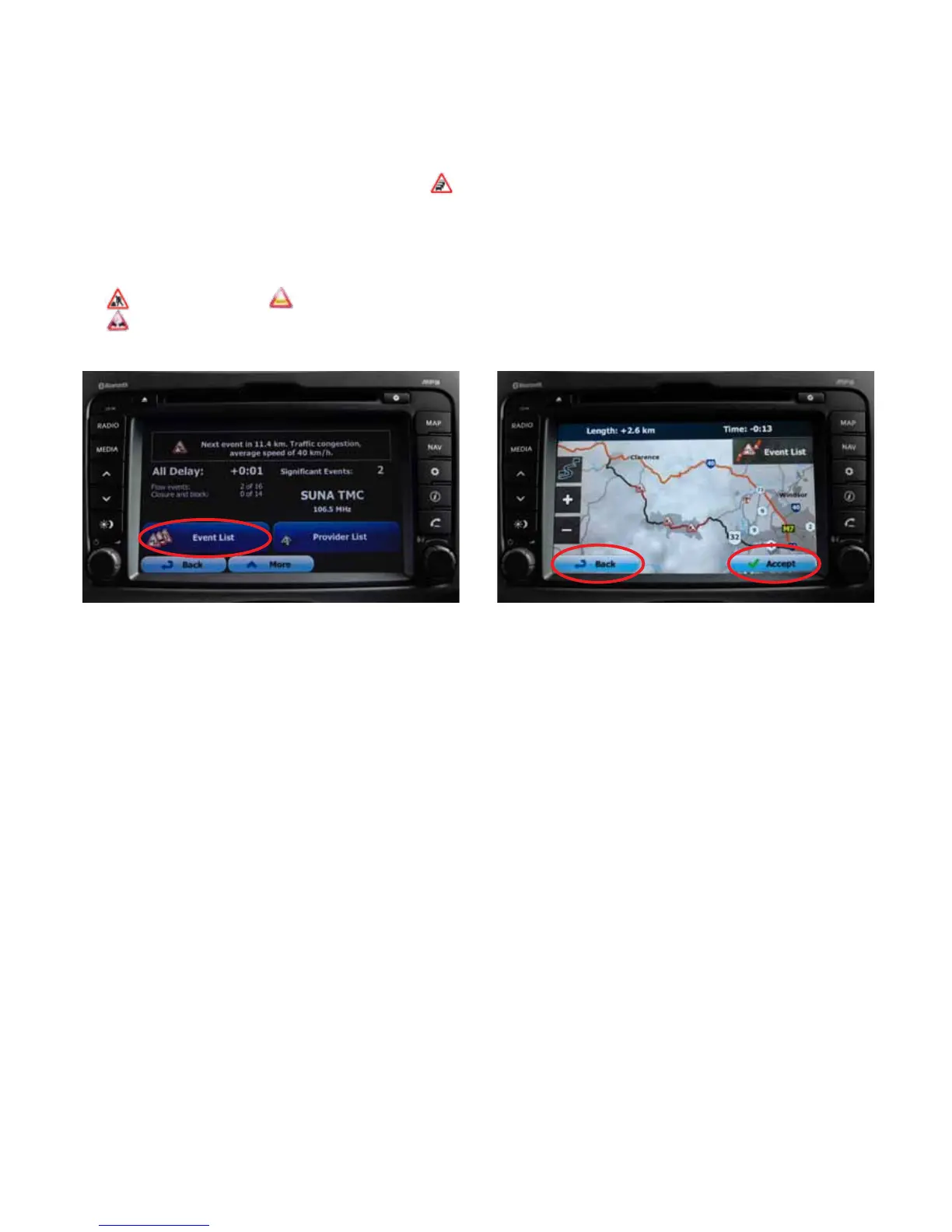
3. After setting up the destination, if there is a trac
incident (and the detour conrmation is on), a
window conrming alternative route will pop-up
4. Press either Yes on the pop-up or the event icon to
bring up the detour screen
5. Press Accept to conrm detour change or Back to
keep original route



 To Next Page