11English
KEY Auto Setup
The KEY Activation Button is a multi-function button
that will begin the Auto Setup process, enter Gain
Match Mode, toggle between Auto Setup optimized
audio and the original audio once the Auto Setup
process has been completed, or clear previous Auto
Setup settings.
Make sure the vehicle’s active noise cancellation and
active noise enhancement are disabled beforehand.
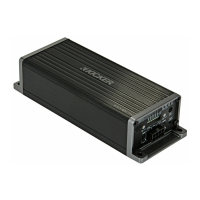
You will need to load a source for the KEY500.1
test tracks from your head unit, whether CD, MP3,
AUX, Bluetooth, USB etc. Uncompressed audio is
recommended for best results, as this will ensure full
amplitude across the frequency spectrum. Visit
https://www.kicker.com/test-tones or the KEY500.1
product page and download both the “Key500.1
Gain Match” and the “Key500.1 Sweep” tracks, then
proceed with the following steps.
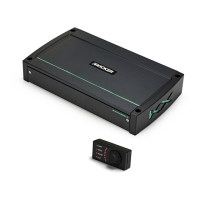
from the controller to the “Remote Bass” jack on the
amplifier panel. Once the amplifier’s gain has been
properly set, this bass level control allows you to
decrease or increase the subwoofer level up to the
point of maximum, unclipped (non-distorted) output.



 To Next Page