EasyManua.ls Logo

Kinco CD423-AA-000 - User Manual

Kinco CD423-AA-000
165 pages
Print Icon
To Next Page IconTo Next Page
Loading...
1
User Manual
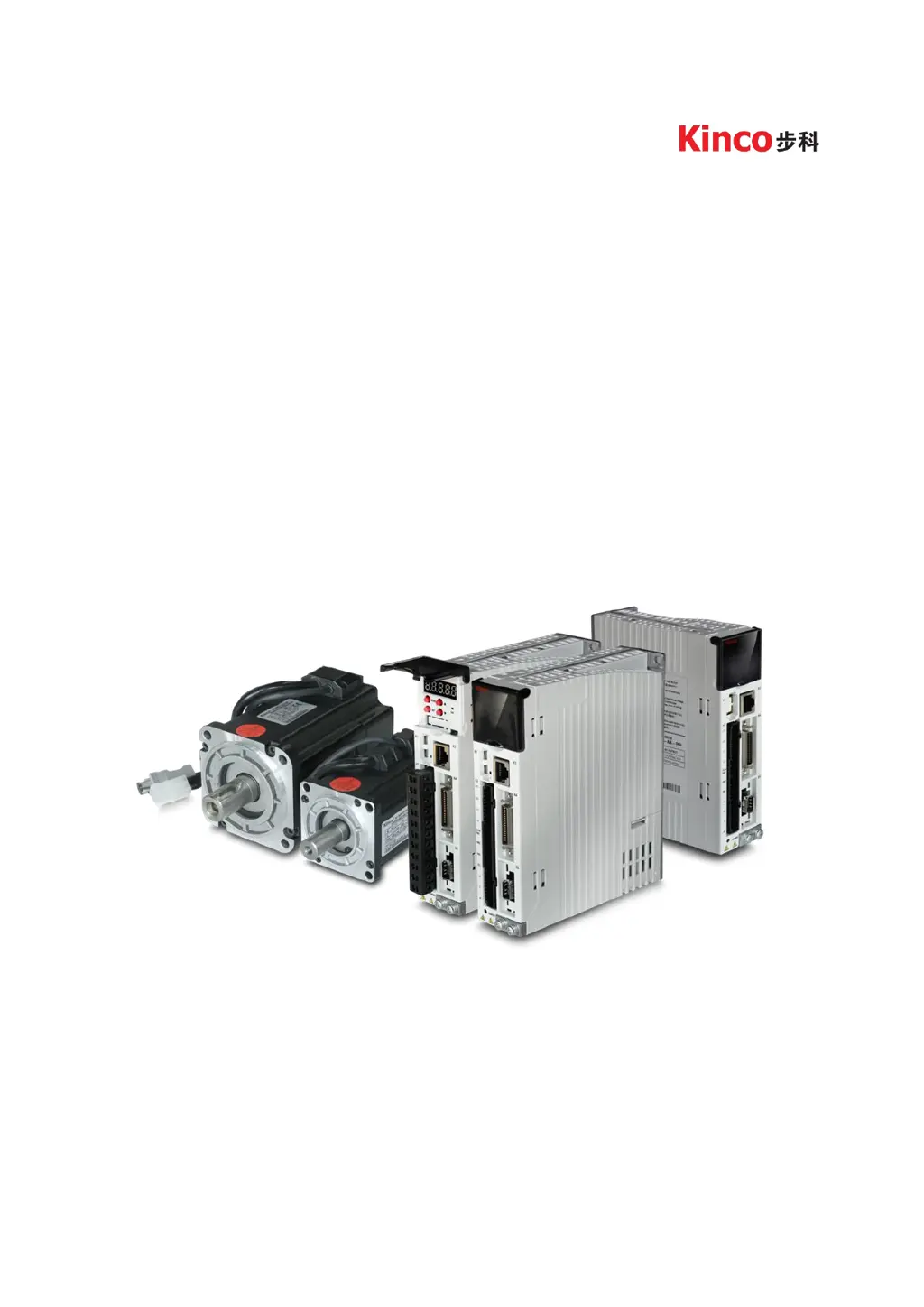
Kinco CD3/FD3 servo system
Shenzhen kinco AutomationCo.Ltd
www.kinco.cn

Table of Contents

Questions and Answers

  • J
    James BennettAug 19, 2025
    What to do if I see an overcurrent error on my Kinco Servo Drives?
    • Z
      Zachary WeeksAug 19, 2025
      If your Kinco Servo Drive shows an overcurrent error, it means the instantaneous current has exceeded the protection value. First, check the motor cable for any short circuits. If the issue persists, you may need to replace the controller.
  • C
    caseymelissaAug 21, 2025
    Why is my Kinco CD423-AA-000 Servo Drives showing an overvoltage error?
    • J
      Joe NielsenAug 21, 2025
      If your Kinco Servo Drive displays an overvoltage error, it indicates that the supply power voltage exceeds the allowable input range, or, in the case of an emergency stop, there is no external braking resistor or braking. Check if the supply power voltage is unstable and ensure a suitable braking resistor is connected.
  • C
    Carmen TylerAug 23, 2025
    How to fix a 'Motor temperature' error on Kinco CD423-AA-000 Servo Drives?
    • D
      Donna PetersonAug 23, 2025
      If you're seeing a 'Motor temperature' error with your Kinco Servo Drives, it means the motor temperature has exceeded the specified value. You should reduce the ambient temperature around the motor, improve cooling conditions, reduce acceleration and deceleration, or reduce the load.
  • C
    Christopher JohnsonAug 26, 2025
    What causes undervoltage error in Kinco CD423-AA-000 Servo Drives?
    • L
      lopezvalerieAug 26, 2025
      If your Kinco Servo Drives shows an undervoltage error, it means the power voltage input is lower than the low voltage protection alarm value. Check to see if the supply power voltage is unstable.
  • T
    Thomas LawrenceAug 27, 2025
    How to resolve 'Controller Temperature' error in Kinco CD423-AA-000?
    • Z
      zgeorgeAug 27, 2025
      If your Kinco Servo Drives displays a 'Controller Temperature' error, it means the temperature of the controller’s power module has reached the alarm value. You should improve the cooling environment of the controller.
  • B
    Benjamin BentleyAug 29, 2025
    How to fix 'Wrong motor model' error on Kinco Servo Drives?
    • E
      Emily OwensAug 30, 2025
      If your Kinco Servo Drives reports a 'Wrong motor model' error, it means that the current motor type is different from the motor type saved in the controller. You can either access EA01 via the KEY to confirm the motor type and then access EA00 and set it to 2, or access EASY_MT_TYPE (0x304101) via PC software, confirm the value, and then save the parameter.
  • R
    Richard HarrisAug 31, 2025
    What does 'Encoder CRC' error mean on Kinco Servo Drives and how to fix it?
    • C
      Courtney HolderAug 31, 2025
      If your Kinco Servo Drives shows a 'Encoder CRC' error, make sure the equipment is well grounded.
  • C
    crystaljacksonSep 3, 2025
    How do I resolve an 'Over frequency' error on my Kinco Servo Drives?
    • E
      Ethan PerkinsSep 3, 2025
      If your Kinco Servo Drives is showing an 'Over frequency' error, it means the external input pulse frequency is too high. Reduce the pulse frequency and increase the value of Frequency_Check (d3.38).
  • S
    Stephanie HamptonSep 5, 2025
    What causes a 'Chop Resistor' error on Kinco CD423-AA-000, and how can I fix it?
    • B
      Brandon FosterSep 5, 2025
      If your Kinco Servo Drives is showing a 'Chop Resistor' error, it means the braking resistor is overloaded or its parameters are not set correctly. Set the resistance and power of the external braking resistor through d5.04 and d5.05.
  • G
    Grace JohnsonSep 7, 2025
    What to do if Kinco Servo Drives shows 'Encoder internal' error?
    • S
      Sara JonesSep 7, 2025
      If your Kinco Servo Drives reports an 'Encoder internal' error, it means there is an internal encoder error or the encoder is damaged. First, access panel address d3.51 Encoder_OP by KEY and set it to 1. Then, try to reset the controller error. If the error persists, replace the motor.

Summary

Chapter 1 Servo System Model and Configuration

1.1 Description of Product Model

Details on product model identification, including driver and motor naming rules.

Chapter 2 Servo System Installation Requirements

2.1 Installation of Driver

Guidelines and requirements for the proper installation of the servo driver unit.

2.2 Driver Usage Requirements

Specifications for product use, transport, storage, technical needs, and certifications.

Chapter 3 Installation and Wiring

3.2 External System Connection

Diagrams and instructions for connecting the servo system to external power and devices.

Chapter 4 Controller Setup with LED Panel

4.1 Panel Operation

Explanation of the LED panel controls, buttons, and their functions.

4.3 Easy Use Function

Guide to the Easy Use function for simplified servo system setup and tuning.

Chapter 5 KincoServo+ User Guide

5.1 Getting Started

Initial steps for using the KincoServo+ software, including language and project management.

5.4 Read;Write Controller Configuration

Procedures for reading and writing configuration settings to the servo controller.

Chapter 6 Operation Modes and Control Modes

6.1 General Steps for Starting a Control Mode

Basic steps including wiring and I/O configuration for starting control modes.

Chapter 7 Tuning of the Servo System Control

7.1 Auto-tuning

Procedure for automatic tuning of the servo system to optimize performance.

Chapter 8 Alarms and Troubleshooting

Chapter 9 List of CD3 Motor Controller Parameters

Kinco CD423-AA-000 Specifications

General IconGeneral
ModelCD423-AA-000
TypeServo Drive
Power Supply220VAC
Protection LevelIP20
SeriesCD
Input Voltage220V AC
Applicable Motor Power0.4kW
Control ModePosition, Speed, Torque
Communication InterfaceRS485

Related product manuals