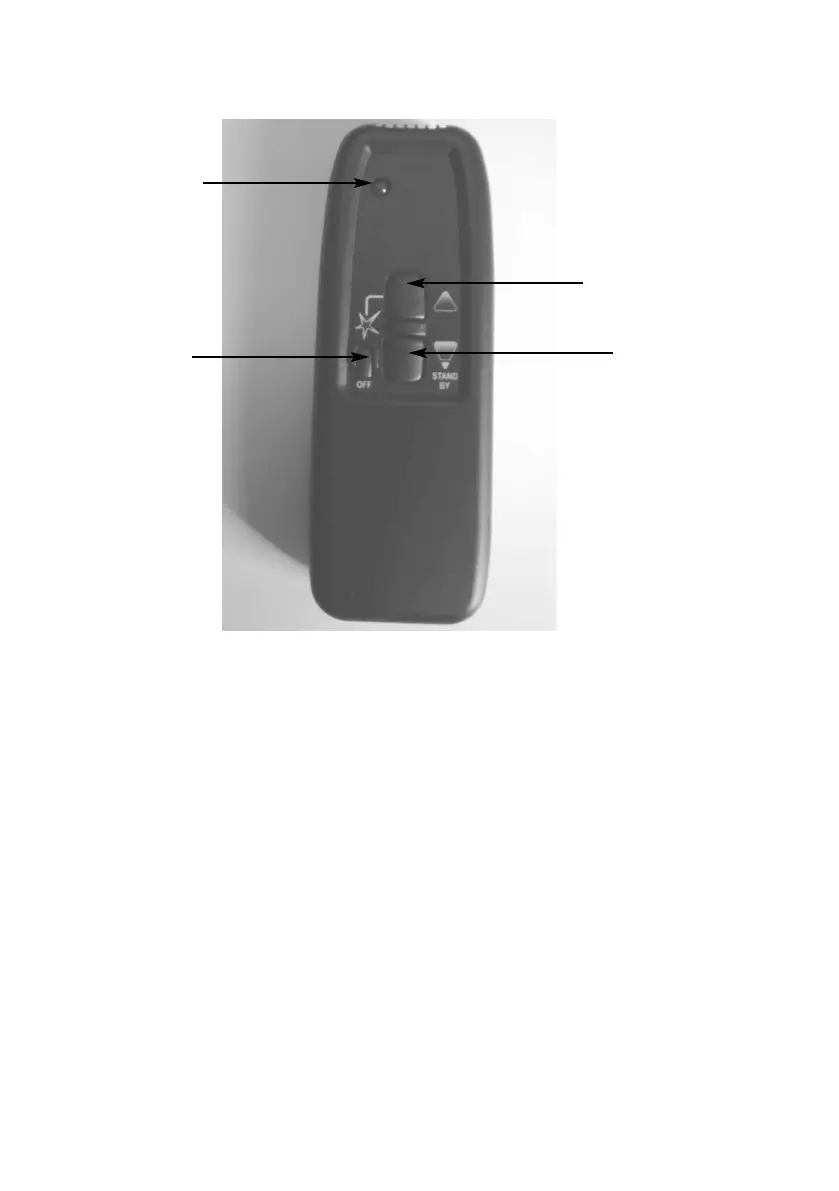
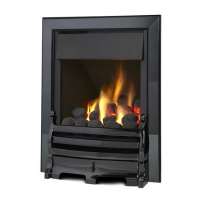
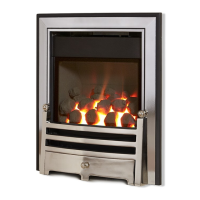
Fig. 21
g) To reduce the heat input, press the “DOWN / STANDBY” button until the
flame reduces to the low rate heat input setting (4.2kW). If you continue
to hold the “DOWN / STANDBY” button, the burner flame will extinguish,
and only the pilot flame will remain lit. If you wish to turn off the
fire altogether, press the “STAR” / “OFF” button.
AFTER THE PILOT FLAME HAS BEEN EXTINGUISHED, IF YOU
WISH TO RE-LIGHT THE APPLIANCE YOU MUST WAIT AT LEAST
THREE MINUTES BEFORE TRYING TO RE-LIGHT THE FIRE.
h) Should the handset be misplaced, you can turn the fire off by switching
the “ON / OFF” switch to the “OFF” position.
24
“STAR” /
“OFF” button
“UP” button
“DOWN” / “STANDBY”
button
“LED” handset light



 To Next Page